
Observation Targets and Installation Conditions
Production-line visual capture usually has four targets: hand and tool motion at the workstation, running state inside equipment cavities and modules, product appearance on the inspection fixture, and safety spacing in human-robot areas. The first two decide camera size; the last two decide resolution and focal length. Selecting everything at the highest megapixel count does not work, because small bores cannot host the body and cost stays unrecoverable.
Workshop installation conditions constrain the project before image quality does. Space above the machine is taken by fixtures and cable ducts, and the room left for a camera is often within a few tens of millimeters square. Metal structures shield wireless signal noticeably, so run cable wherever cable is possible. Dust, cutting fluid and oil mean the lens goes behind a protective cover, and that cover needs a removable structure so it can be wiped. Runs near inverters and high-power drives keep video cable and power cable in separate ducts.
Most existing equipment is still analog. Where an old fixture's display and recording ends are still in service, choose a coaxial HD or standard-definition model with multi-format support and align it with the format switch, instead of replacing the whole back end.
Camera Models and Capture Side
Miniature cameras split into analog, network and USB output families, and the connection point decides which one to take.
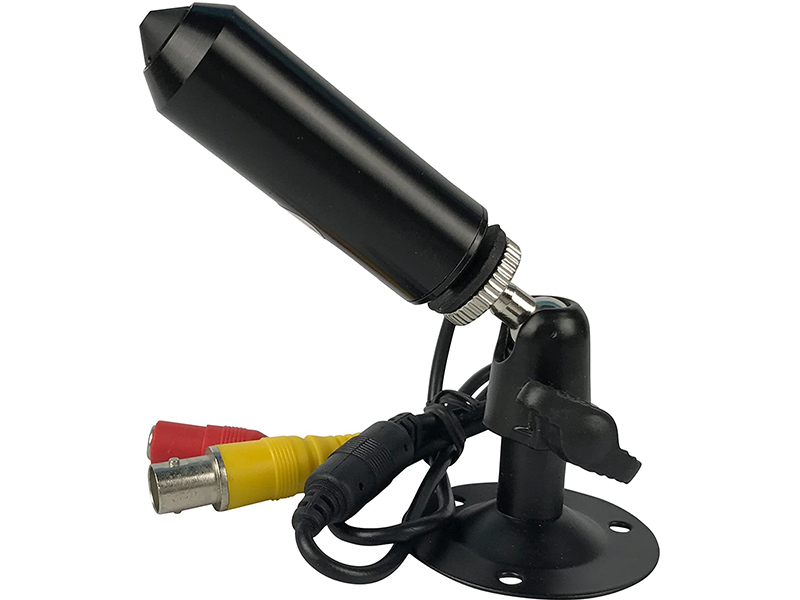
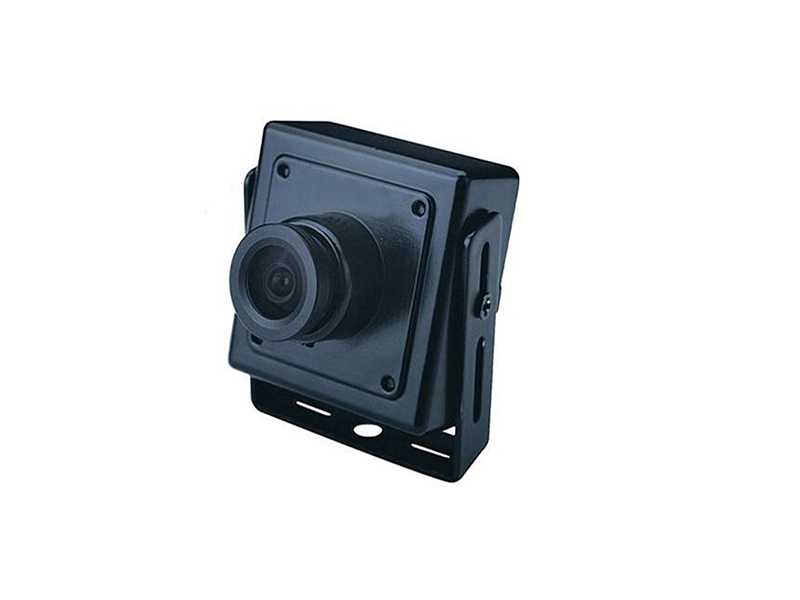
- Cavity and fixture inspection: analog miniature camera, body size chosen by bore, from 30 mm square up to 40 mm square
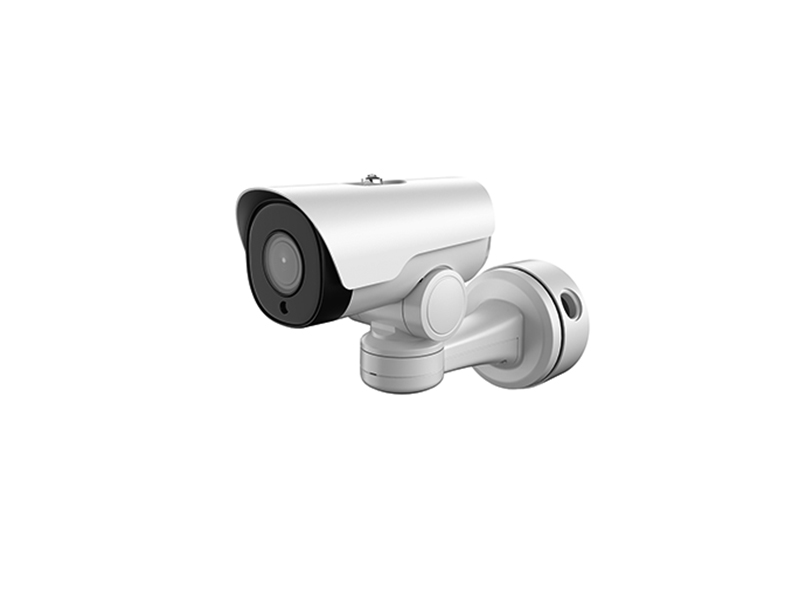
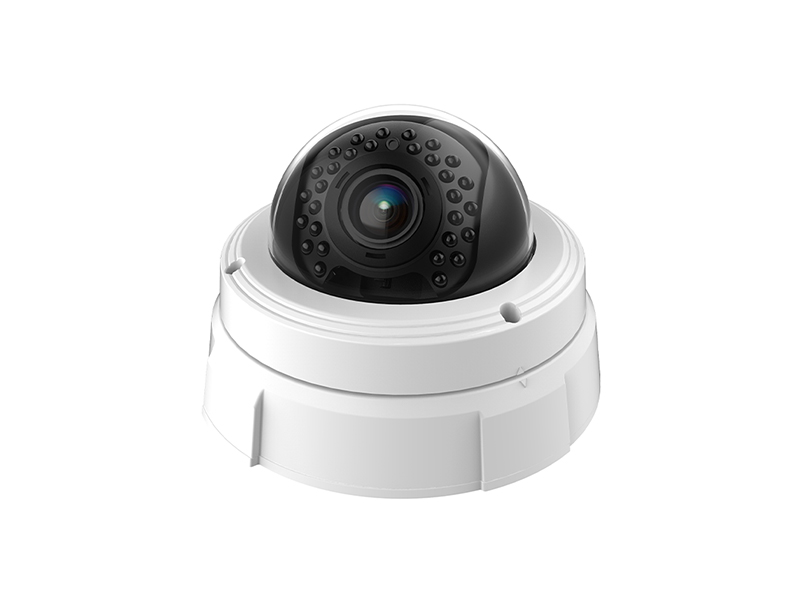
- Workstation wide shot and motion recording: network miniature camera into the workshop switch over network cable, reviewed centrally on the industrial PC
- Local observation on one machine: USB UVC camera plugged straight into the industrial PC or all-in-one, with no extra capture slot used
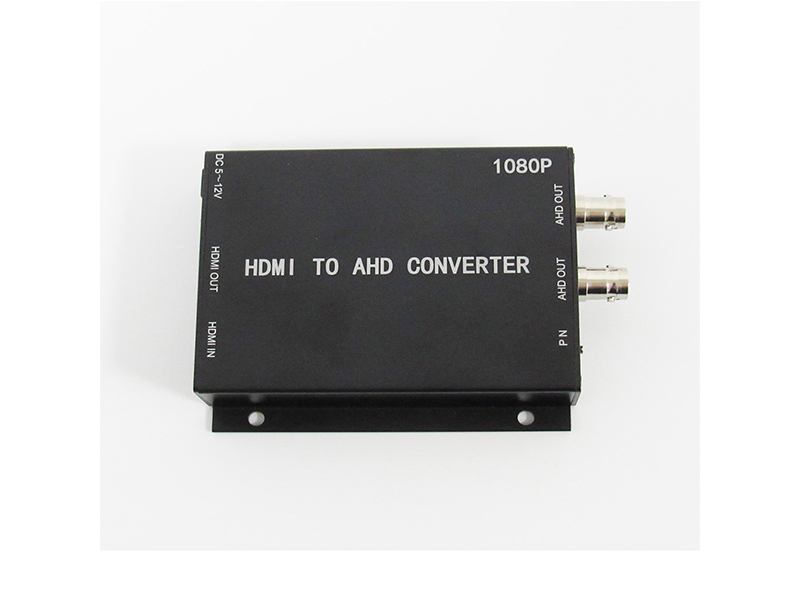
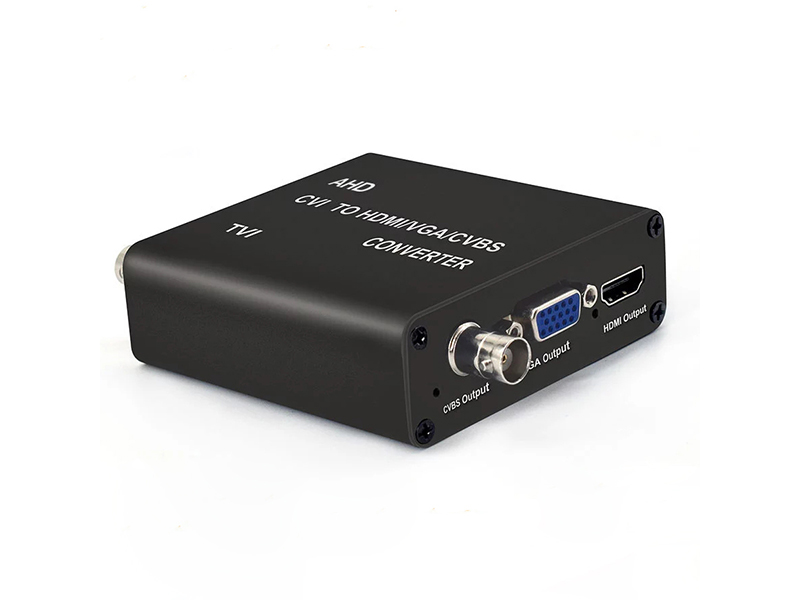
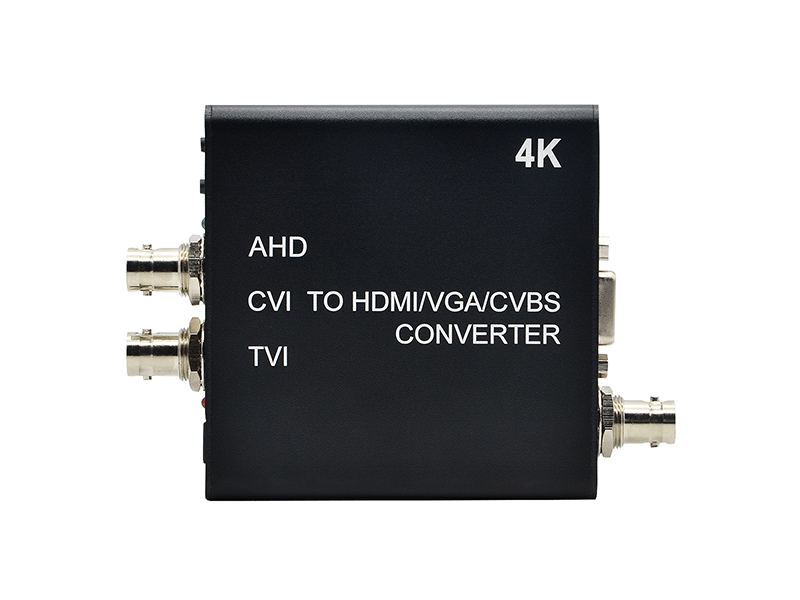
- Several views on one screen: an AHD or CVBS to HDMI video converter feeds multiple signals to the workshop display, keeping old monitors in service
- Reusing old fixture wiring: a coaxial HD to IP video encoder brings analog channels into the existing network management platform
- Image retention and traceability: the video capture card sends HDMI or coaxial HD signal into the host software for clip recording in step with line takt
Connecting to the Industrial PC and Powering It
Wiring on an industrial site should be repeatable: every machine in the same process uses one connection method, so swapping a camera later does not change the host configuration.
| Step | Practice | Equipment used |
|---|---|---|
| Bore and mounting | Drill the fixture or guard plate, add a protective ring around the exposed lens, and leave a bending radius for the cable behind the body | Miniature camera |
| Signal connection | Use UVC when the industrial PC has a free USB port; use a capture card for several channels in parallel, with channel count set by slot bandwidth | Capture card, USB camera |
| Format alignment | Match the front end with the display or recorder; four-in-one models lock one output with a DIP switch or in the menu | Analog miniature camera, video converter |
| Power | Prefer PoE or a central regulated supply, measure voltage at the far end of long runs, and never tap supply from a machine tool's power circuit | Miniature network camera, video and audio accessories |
| Interference control | Keep video cable and power cable in separate ducts and ground the shield at one end to reduce horizontal banding caused by inverters | Coaxial cable, video converter |
Recording Policy and Storage
Why the workstation image is kept decides the recording policy. To trace process problems afterwards, record continuously per shift and keep 7 to 30 days. For display and training, record clips only in the triggered window. For tenders or customer factory audits, keep files that can be exported on their own. Estimate 1080P at 2 to 4 Mbps per channel; with 16 channels recording at once, calculate total volume before fixing drive bays. Local disks in the industrial PC are not recommended for long retention, since production software competes for the same disk performance.
- Set continuous recording and triggered clips separately, with a different recording plan per workstation
- Write process number and station number into channel titles so exported files trace back to one machine
- For stations needing detail, raise resolution instead of only extending the lens, so angle of view is preserved
- Fix the device path when host software reads a USB channel, so changing a port does not reorder detection
Working With the Host System
Workstation images are usually called by the host system: the line takt gives a trigger signal and the video side outputs files by channel and time window, or an operator captures a clip manually on the industrial PC. The two modes put different demands on capture. Triggered mode needs controlled file splitting and naming; manual mode needs the software to see the device directly. Before connecting, confirm the industrial PC's operating system type and how USB bandwidth is allocated, and do not share one controller with data-acquisition devices, which drops frames under load.
- Write each capture device's path into the configuration file so a port change cannot shift channels
- When workshop lighting causes banding, align shutter speed with mains frequency rather than removing it afterwards
- When the trigger comes from the upper system, name files by work-order number and keep the video side out of control logic
- For stations keeping inspection images long term, mount the export directory on a separate disk from the system disk
- Recheck angle of view and focal length after a workstation change; reusing the old point list causes image offset
Delivery and After-Sales
Delivery includes the point drawing, the format table and the cable list, with per-station confirmation of bore size, image coverage and how the host software sees the device. Our own production line supports customizing structure parts, silk-screen marking, lens focal length, IR board, cable length and firmware parameters, and the body can be adapted to a station bore without changing the imaging solution. Send the bore dimensions, the brand and video format of the existing display or recorder, and the industrial PC interface type; call +86-755-28146081 or write to info@vctcctv.com and we will provide a sample unit with an interface list first.