
Store Points and Loss Prevention Needs
Store surveillance aims to reconstruct disputed events clearly, not to fill the floor with images. Checkouts and service counters come first, where key press order, cash handover and change must be legible. Next come the faces of high-value shelving and display cabinets. Third are entrances, exits and fitting-room corridors, used to compare foot traffic against theft windows. Last are back-of-house storage, receiving areas and staff corridors. The parking entry and rear passage outside the selling floor are commonly missed, and they are exactly where images are absent when a dispute starts.
Glass doors and glossy floor tiles are store-specific interference. Entrance positions must avoid facing strong outdoor light, or backlit people reduce to outlines. Where entering customers must be identifiable, choose a starlight model with better wide dynamic range, or change the angle so light enters from the side behind. Keep aisle camera height between 2.8 m and 3.5 m, out of reach yet not so steep that only the tops of heads appear.
Trading hours put pressure on continuous recording. Bright scenes over a dozen hours a day carry more detail than office buildings, so leave margin in the bitrate ceiling instead of reusing office figures directly.
Camera Positions and Equipment
Old and new cable often coexist in one store, so mixed video formats are solved jointly at the front end and at the recorder.
- Checkout and service counter: one overhead downward view plus one angled side view, the two angles supplementing each other
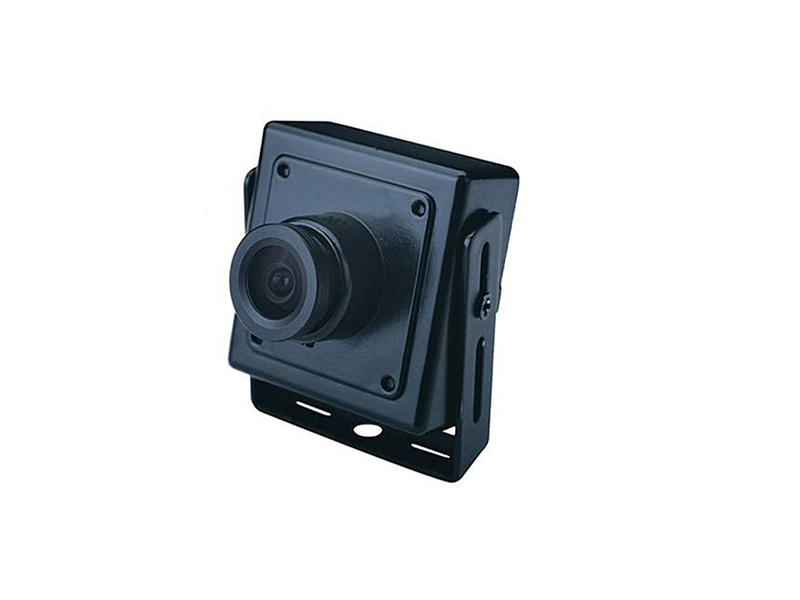
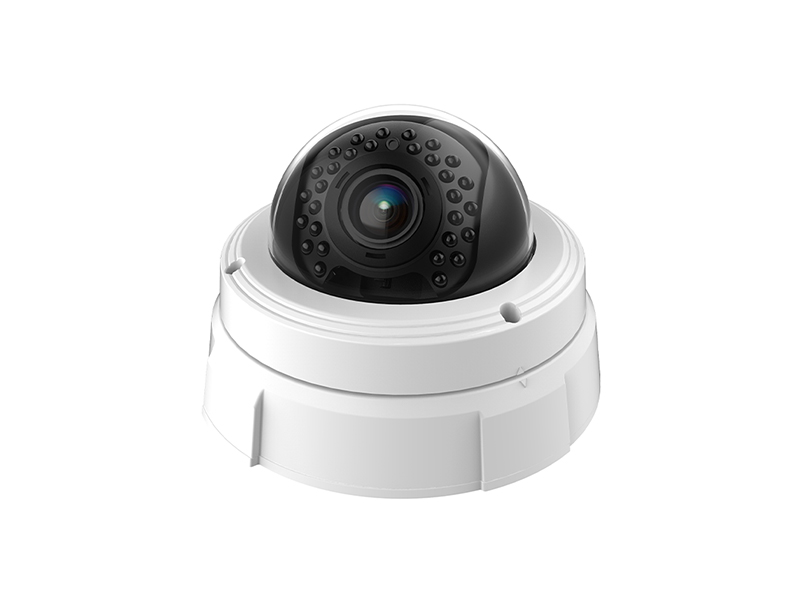
- High-value shelving and display cabinets: dome network camera or miniature position hidden in the ceiling and along the shelf head
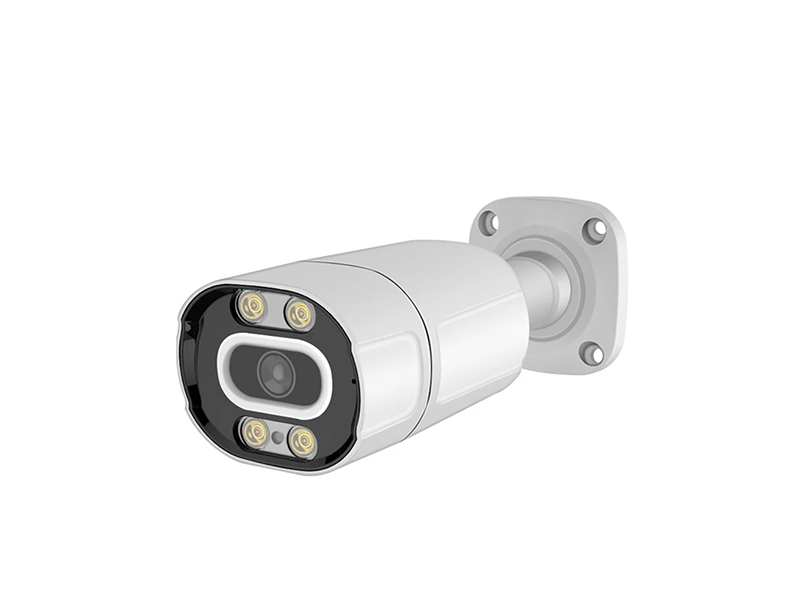
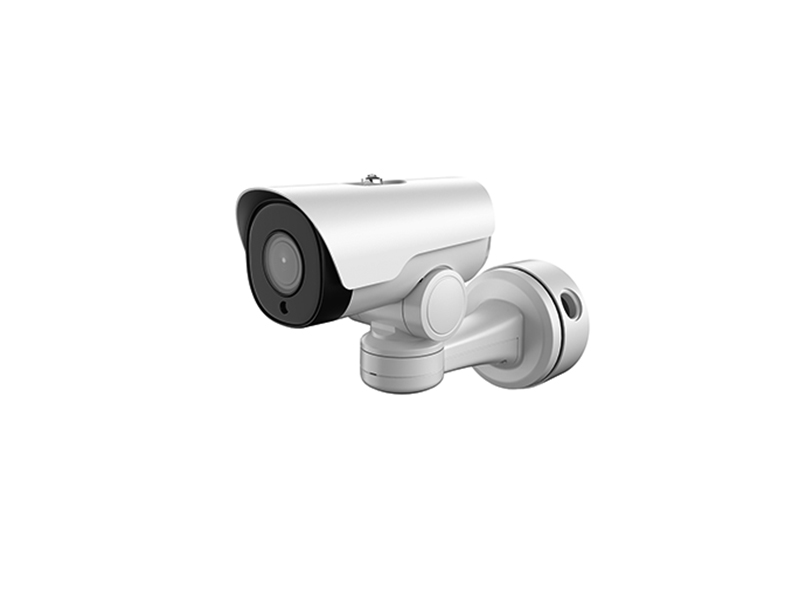
- Entrances and fitting-room corridors: starlight network bullet camera, handling backlight and foot-traffic recording together
- Storage and receiving: analog HD or network bullet camera; older stores return to the recorder on the existing coaxial cable
- Recorder side: size the NVR/DVR by selling floor plus back of house, leaving 2 to 4 channels for expansion
- Installation and maintenance: confirm format and image on every channel with a CCTV tester at handover, outside trading hours
Retrofit and Wiring Method
Chain-store retrofit has to repeat across units, so wiring practice is fixed as one standard set of actions.
| Step | Practice | Equipment used |
|---|---|---|
| Copper reuse | Keep the original coaxial runs and ceiling outlet holes and swap the front end to a coaxial HD model, avoiding damage to ceilings and finishes | Analog camera |
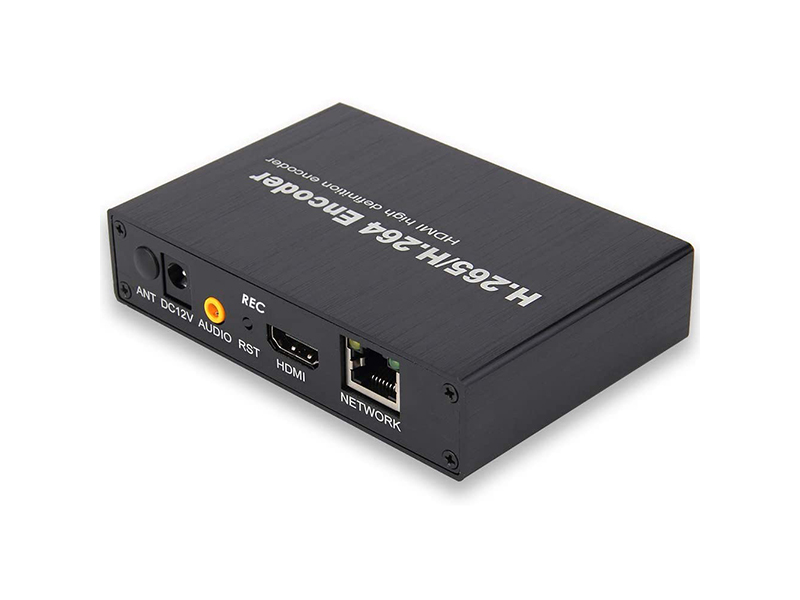
| Mixed access | Where network and coaxial positions coexist, coaxial channels pass through a video encoder into network streams so one recorder manages everything | Video encoder, NVR |
| Checkout overlay | Overlay channel title and time at the recorder; matching receipt to picture is done by comparing timestamps manually | NVR |
| Cable length | Keep a single coaxial link within 300 m; beyond that use network cable with a converter, and never share a conduit between power and video cable | Video converter |
| Night power-down | Keep recording and networking on after closing, and confirm the starlight mode and illuminator switching when lighting goes off | Network camera |
Bandwidth, Recording and Store Patrol
Head-office remote patrol consumes the store's uplink bandwidth. Estimate 1080P at 2 to 4 Mbps per channel, so four simultaneous replays take roughly 10 Mbps of uplink, and many stores share an outlet where usable bandwidth is below the contracted rate. Split main stream from substream at the recorder: patrol the substream, and pull the main stream only when evidence is needed. Give local recording priority over remote replay so trading-hour recording does not drop frames.
- Set a dedicated substream for patrol, with resolution just enough to read movement
- Keep 30 to 90 days locally and replay remotely only on demand; never treat store uplink as storage
- Assign accounts per store in centralized management, and unify cross-store search through channel naming rules
- Add motion detection and tamper alarms on key positions to cut useless replay time
- Check format and power differences for overseas stores and preset the local format before shipment
Store Expansion and Equipment Replacement
A standard chain unit should carry a repeatable point template that new stores adopt directly, with adjustments only to shelf height and checkout position, instead of a fresh design for every opening. When an older store replaces its recorder, leave the front end in place and add channels by expanding the recorder side; coaxial points joining a new platform should take video encoders before any recabling. Store retrofit happens after closing and every channel must be rechecked before opening next day, so carry a CCTV tester and spare cameras with the crew and verify each run on the spot as it changes.
- Keep one or two spare cameras of the same model per area so a failure is swapped without reconfiguration
- Recheck time and time zone after a recorder change, and keep channel titles on the original numbering for historical search
- Judge expansion by channel count and video format first, then by whether resolution meets evidence needs
- After night work, run one full-channel playback check before trading resumes
- When merging multi-brand stores, rename channel titles under one rule so head-office search stays unambiguous
Delivery and After-Sales
Delivery produces a point list, equipment list and recorder configuration per unit, confirming angle of view, OSD overlay, recording plan and remote access channel by channel, then hands over after three consecutive days of clean operation outside trading days. Every finished unit is powered up and fully inspected before shipping, and OEM work can customize marking, structure and default firmware parameters. Tell us store area, checkout count, existing cable type and video format, and the target recorder brand and model by email to info@vctcctv.com or by phone on +86-755-28146081; we can send samples and a compatibility list before rollout quantities.