
Applicable Steps and Scope
Imaging needs in hospitals and teaching settings mostly come down to taking the picture an existing optical device already produces: the output of an endoscopic or borescope optical front end, the eyepiece of a demonstration microscope, the demonstration position of a training model, and observation views relayed to a teaching room. These share one thing: the image exists already, and the work is stable capture, display and recording, not replacing any function of a clinical device.
This page describes only the delivery of imaging modules and the video capture chain. Device registration, clinical use and medical quality management are handled by the user through their own hospital procedures. The product makes no claim about registration or clinical effect and provides no diagnostic data interface; what it outputs is a standard video signal.
Demonstration and relay rooms demand synchronization: the observation screen and the recorded picture must come from the same source, so what is explained and what is recorded stay identical.
Capture Chain and Equipment
Choose the connection by the front-end signal form: imaging-only needs take the miniature module, while existing HDMI or analog outputs take a video converter and a capture card.
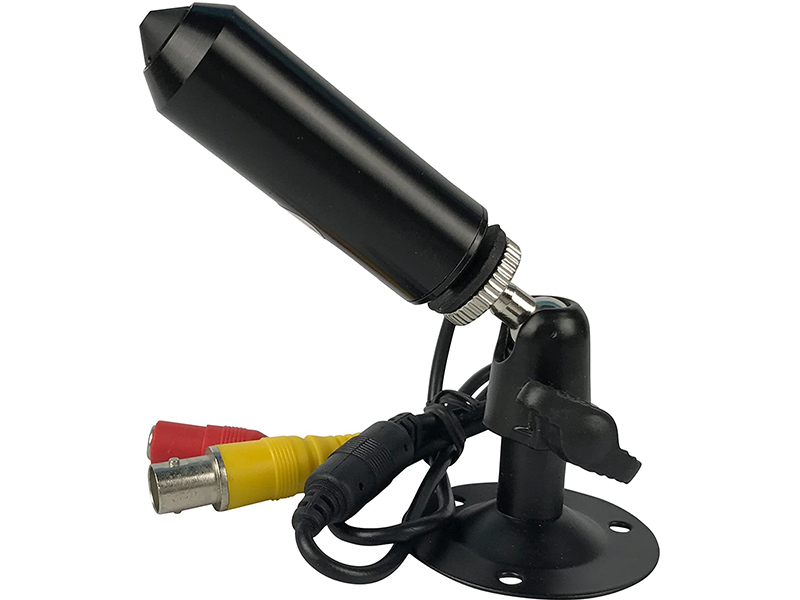
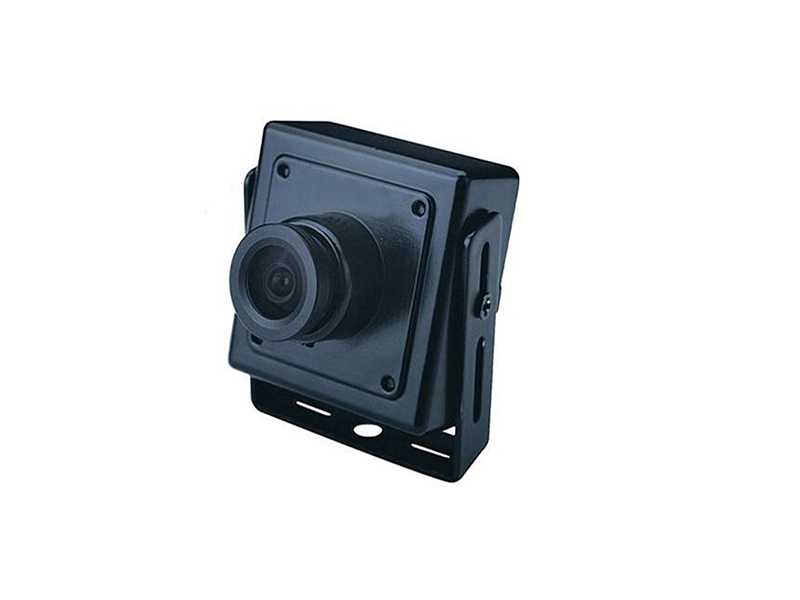
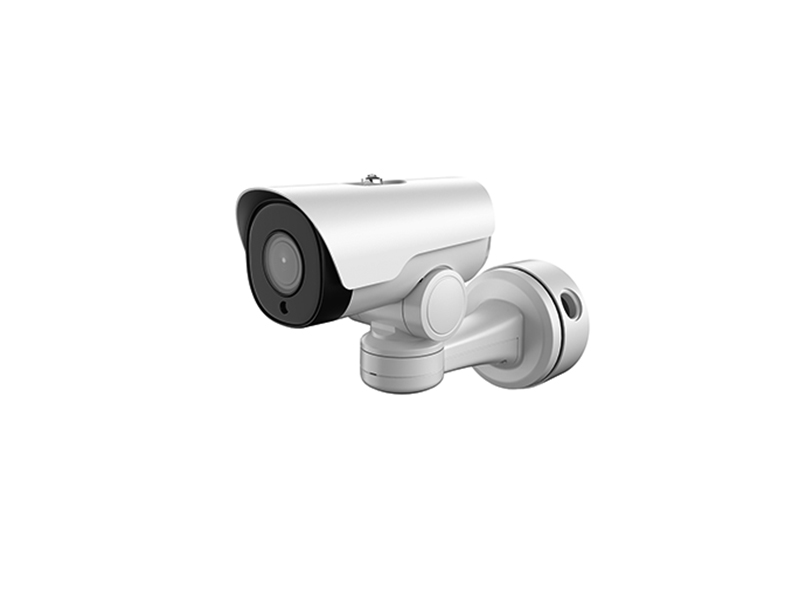
- Imaging end: miniature camera module, with body size and lens focal length selected around the user's optical components
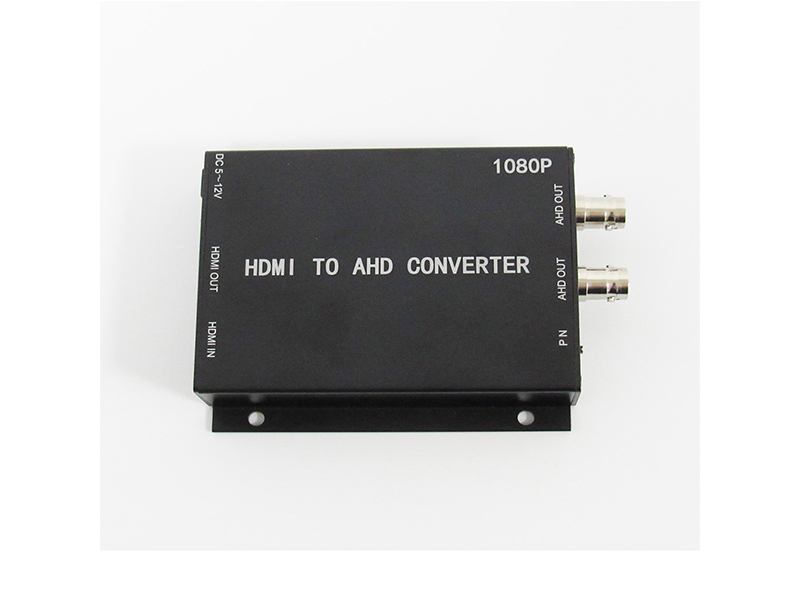
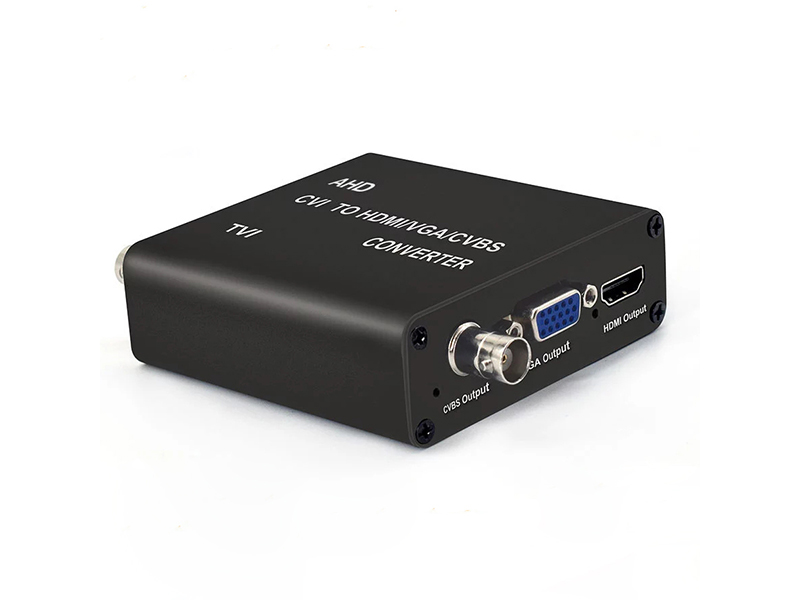
- Local display: analog miniature camera through a converter to HDMI, feeding the room display for observers and explanation
- Into the workstation: HDMI to USB 3.0 video capture card, seen at the workstation as a standard video device
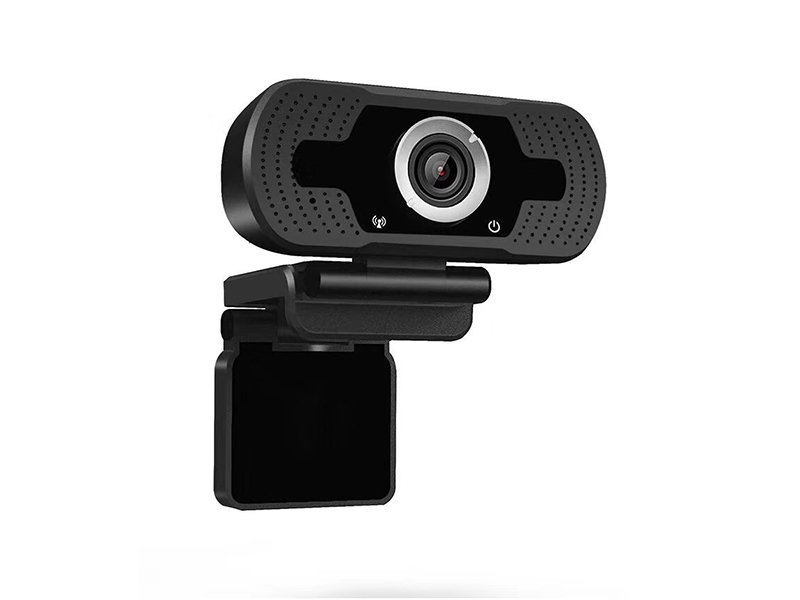
- Simple single-position capture: a USB UVC camera straight to a laptop, no driver install, suited to ad-hoc demonstration
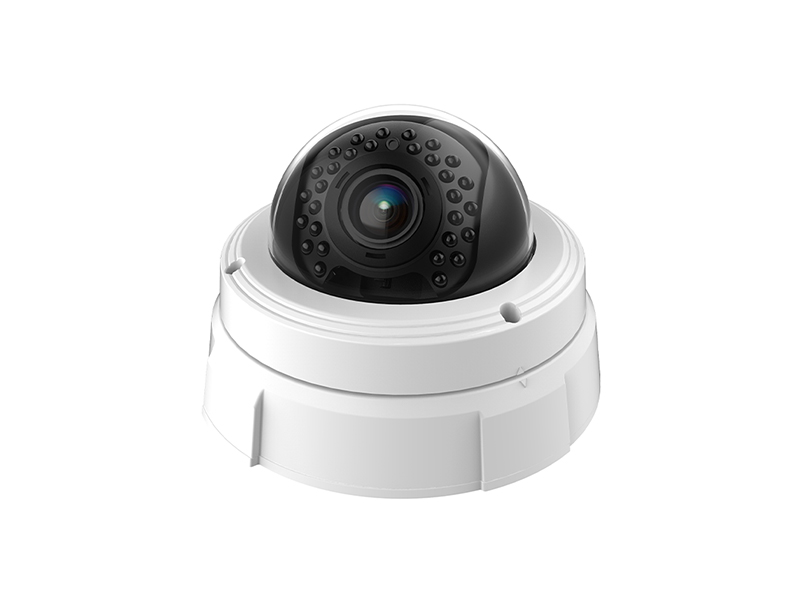
- Central recording: network positions on PoE feeding a network video recorder for unified storage and playback
- Long recording: lock encoding parameters at the control end so automatic exposure and white balance do not move brightness
Chain Build and Calibration
Settle interfaces, color and duration in one pass when building the chain, so a different operator later gets the same image.
| Step | Practice | Equipment used |
|---|---|---|
| Imaging fixation | Locate the module against the optical components with a structural part; never hold it by hand or tape it in place on site | Miniature camera |
| Signal form | Analog output goes through the converter to HDMI before the capture card, with no multi-stage adaptation at the workstation | Video converter, capture card |
| Color calibration | White balance and lock brightness against a standard color chart before capture, with one setting across all channels in a room | Capture card, miniature camera |
| Latency control | Observation screen and recording share one loop-out path; budget end-to-end latency within 30 ms and fix display positions after measurement | Video capture card |
| Record management | Standardize file naming and save location at the workstation, and write room and date into channel titles | Network recorder, capture card |
Recording and Storage
Demonstration and training content is usually kept longer than ordinary surveillance, so the recording policy must be confirmed early in the project. Estimate 1080P at 2 to 4 Mbps per channel; when several rooms record at once, reserve local cache on the capture workstation first and sync to central storage on a schedule. On resolution, keep frame-rate continuity and color stability before pushing resolution to the capture card's ceiling.
- Fix and lock recording resolution and frame rate so long runs do not downshift automatically
- Share the loop-out signal between room display and recording so both show exactly the same content
- Export material sent to teaching institutions in a common format with the capture parameters attached
- Let the user decide where internal material is stored; the equipment keeps no extra copy
Observation Side and Recording Side Layout
Audience size decides how many displays a room needs: one monitor is enough for a demonstration room of four to six people, while a dozen observers need two screens placed front and rear. Display and recording must come from the same loop-out signal, so the presenter's view and the retained material match. Place the workstation by operator count and cable length, against a wall or on its own bench rather than crowded onto the demonstration table where movement pulls at cabling. Ceiling lights and window light affect module exposure directly, so keep the lens out of the beam; when shading is needed, use a light shield instead of raising gain, since high gain adds noise and softens detail. Fix every adaptation step in the chain at design time and do not add or remove devices during use.
- Set a color baseline at capture for all channels so screens do not differ visibly from each other
- Archive recordings by room and date, and attach capture parameters when sending material out so the recipient can reproduce it
- Slice long recording hourly to limit the loss from one oversized or damaged file
- Power the workstation and the displays from separate circuits so device start-up on one circuit cannot break the picture
- Put lenses and protective glass on the routine cleaning list, since grime costs brightness and edge detail together
Delivery and After-Sales
At handover we confirm imaging sharpness, color consistency, perceived latency and recording result channel by channel, and transfer the point list, the interface list and the capture parameter table. Imaging modules can be customized to the structure and focal length the user's optical components require, covering lens focal length, cable length and silk-screen marking. Send the signal forms to capture, the interface types on the display and recording ends, and the workstation environment to info@vctcctv.com, and we can ship a sample for chain verification first; +86-755-28146081 also works for structural detail.