
Camera Layout and Signal Path
A live or content production chain has three stages: front-end positions producing image, convergence at the switcher or streaming host, then delivery of the program signal to the platform and to recording. Front-end positions are rarely on the same side: lectern, display case, outdoor and ceiling positions sit behind walls and metal structures, and cabling is limited by the venue. Send those views to the near end first with wireless extension or coaxial HD, then unify them into HDMI for capture.
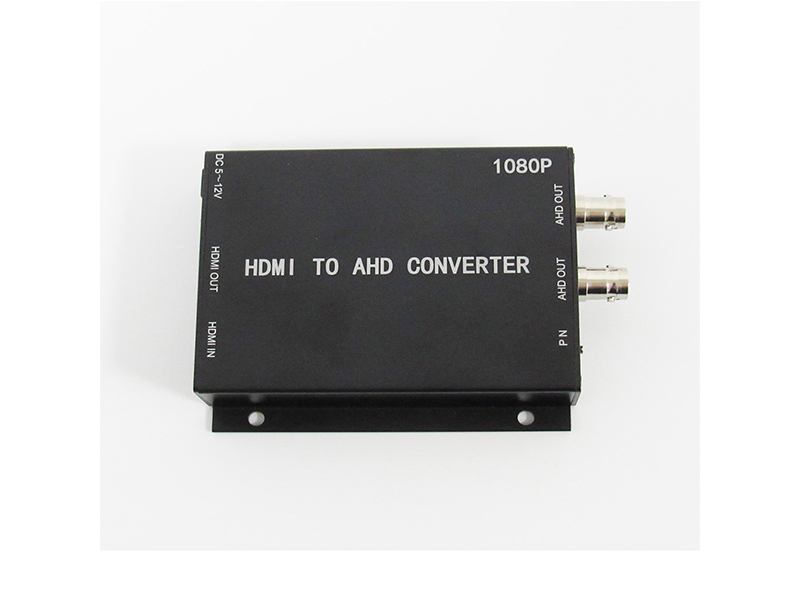
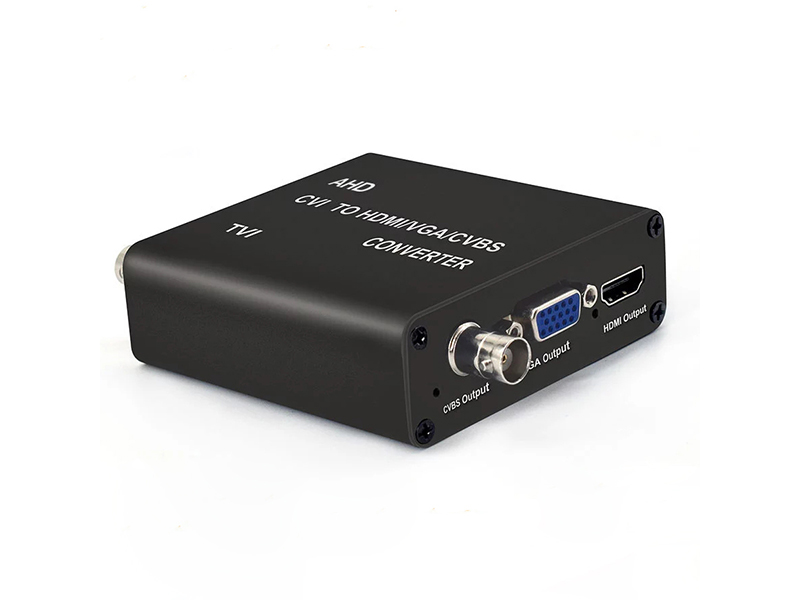
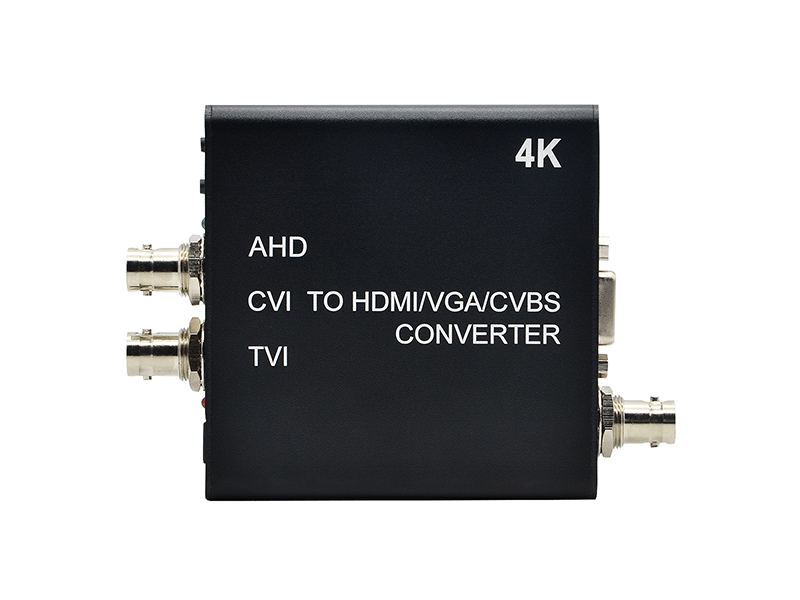
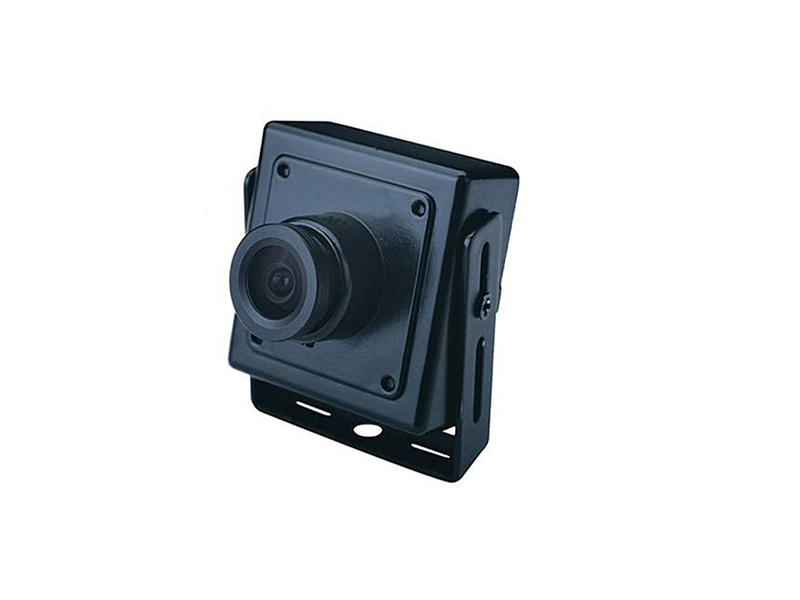
Coaxial HD has a place in live work. Where a venue already has copper buried, or a camera must hide in a ceiling or inside exhibit furniture, a miniature coaxial camera is easier to place than a network position because of its body size and single-cable transmission, and its output becomes HDMI through a video converter for the existing switcher.
Frame rate and format consistency affects how the picture reads. Shutter and field frequency differ between PAL and NTSC, and mixing them shows as slight jitter or banding; align front end, capture and streaming host to one set of parameters instead of expecting software to correct it later.
Once position count is settled, write down each path's power method: battery only for a short position of a few minutes, mains or a regulated adapter for long recording, with runtime noted in the equipment list. Fix ceiling and truss positions along the cable route and leave access points, and never pull temporary cable across audience aisles. Where positions and switcher sit in two rooms, check grounding at both first, because circulating current shows as background pattern in the picture.
Camera Positions and Equipment
Choose wired or wireless by position count and location, and choose the capture grade by resolution.
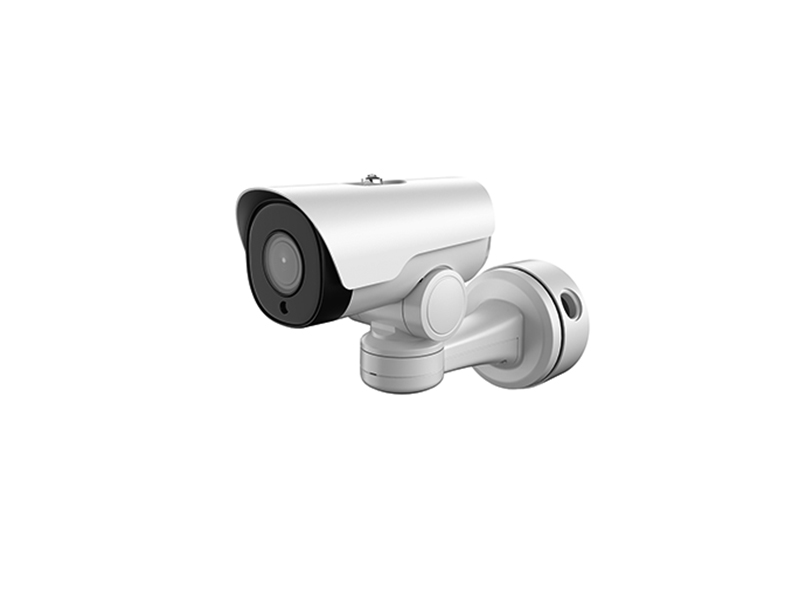
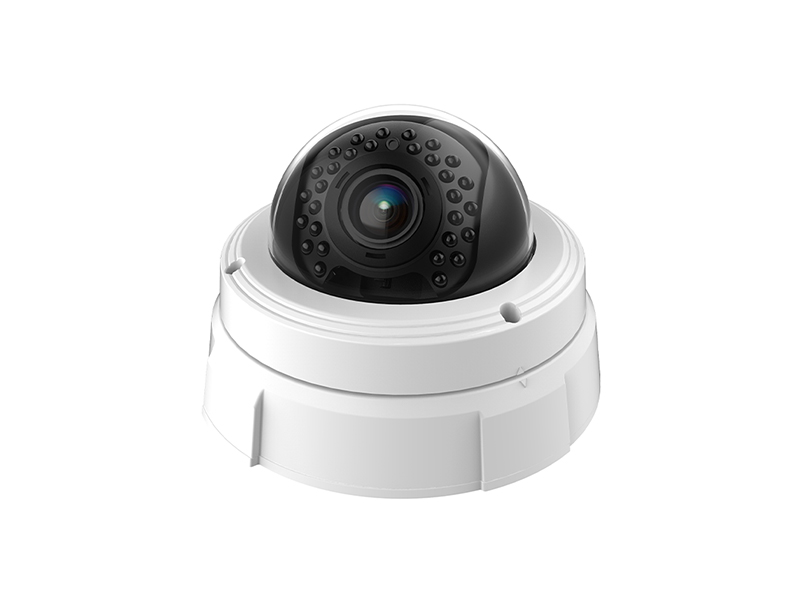
- Main and presenter positions: network camera or HDMI output position, on independent supply with three-point fixing
- Concealed and detail positions: miniature camera, in coaxial HD or network form, selected by cable conditions
- Cross-wall and far positions: wireless HDMI extender, where the rated 200 m must be measured against real obstruction on site
- Switcher and streaming side: HDMI to USB 3.0 video capture card, in 1080P or 4K according to the output
- Coaxial to HDMI: a video converter lands the front-end signal on an input the switcher accepts
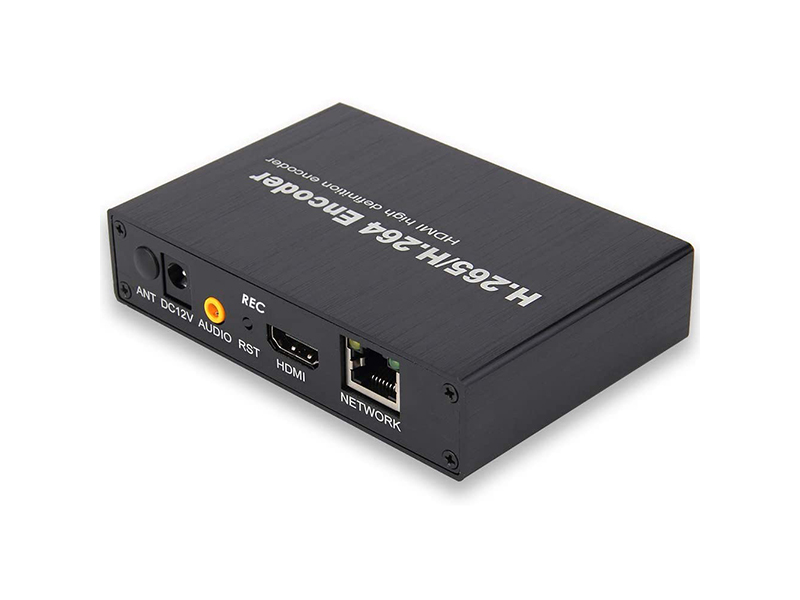
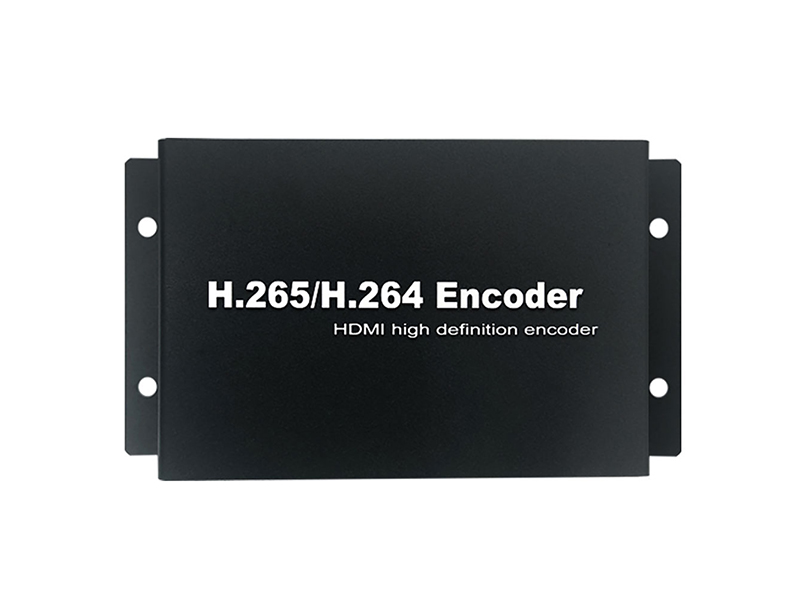
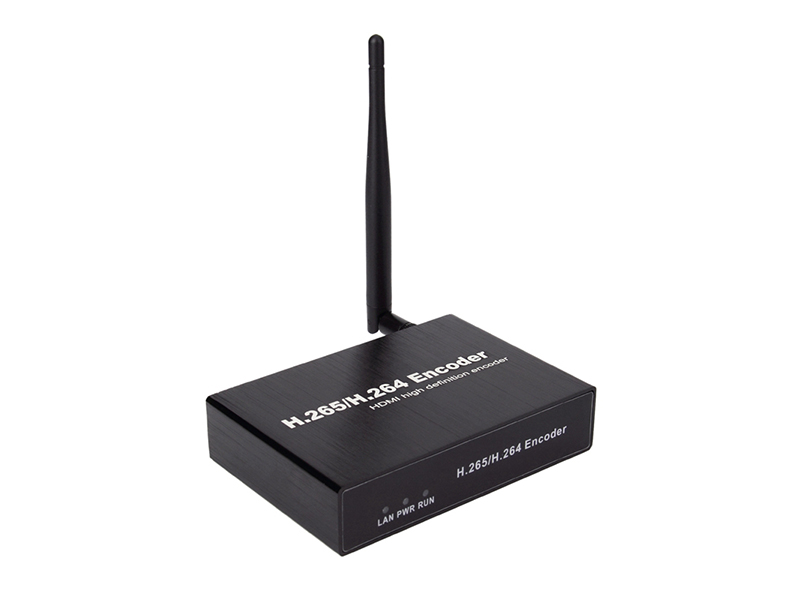
- Program return: an HDMI network video encoder feeds the switcher output into the recorder and to remote viewers
Wiring and Signal Sync
Field wiring follows one rule, shorten the signal path: the fewer conversion steps in a chain, the more controlled latency and color shift become.
| Step | Practice | Equipment used |
|---|---|---|
| Front-end image | Coaxial positions run copper to a near-end converter, whose HDMI output plugs straight into a switcher input | Miniature camera, video converter |
| Cross-venue placement | Mount the wireless transmitter at the position and the receiver on the switcher side, keeping metal truss and distribution boxes out of the way | HDMI extender |
| Into the streaming host | Connect the capture card to a direct USB 3.0 port on the host, not through a docking station, to hold bandwidth and detection steady | Video capture card |
| Program uplink | Send the switcher HDMI output through a video encoder to the recorder, keeping streaming and material replay on two paths | Video encoder |
| Parameter alignment | Unify format and frame rate across front end, capture and streaming side, and set shutter to the venue's lighting frequency | Video converter, capture card |
Network and Material Retention
Streaming consumes uplink bandwidth: configure about twenty percent above the bitrate the platform requires, and keep switcher replay and remote review on another network segment so uploads cannot crowd out the live feed during broadcast. Record material on two paths: one slice-based recording on the streaming host's local disk, and one handed by the video encoder to the recorder for long-term archive, since slices are easier to pull by section in post-production. Estimate 1080P network channels at 2 to 4 Mbps, and decide concurrent paths for 4K capture and recording by measuring host performance.
- Slice the live recording into 30 to 60 minute segments to shorten waiting time in post
- Send remote review the substream and keep the main stream for recording and final export
- Synchronize all positions' timestamps to one clock source so post-production alignment stays simple
- Separate venue power for video equipment from the lighting circuit to reduce pattern in the picture
Pre-Session Checks and Backup Plan
On arrival, walk every path on the position list: confirm format, interface and image direction per path, confirm converter output matches a switcher input, confirm the capture card is named on the streaming host as expected, then run one complete fifteen-minute recording and replay it. Test wireless positions where they will actually be used rather than in the load-in area, because metal truss and crowd density both change attenuation.
Backup sits in two places. On the position side keep one spare camera position and one spare capture card; on the link side prepare a wired alternative, so a path disturbed by interference can switch to coaxial or a short HDMI run. A second recording device outside the switcher records the program output on its own, so material stays complete even if the stream breaks, and nothing needs reshooting after the session ends.
- Split streaming and material replay across two network segments and upload no files during a broadcast
- Lock every position's format and frame rate before the session and change no resolution mid-run
- Record in 30 minute slices so one oversized file does not slow post-production
- Keep spare positions on the same model as the main ones so color difference after a swap stays minimal
- Export material on the day and verify durations, marking or re-shooting any incomplete path at once
Delivery and After-Sales
Acceptance follows the position list and the signal chain drawing, confirming interface, format, latency and recording result path by path, with one full run of the procedure before the first real session. Our own production line supports customizing structure, silk-screen marking, lens focal length, IR board, cable length and preset firmware parameters, and the body can be resized to the position space. Provide position count and locations, the resolution and bitrate the platform requires, and the switcher's input list, then call +86-755-28146081 or write to info@vctcctv.com for samples and a compatibility list.