
Point Layout and Site Conditions
Front-end cameras in campus and building projects are usually arranged in four rings. The perimeter and gates cover people and vehicles entering and leaving, building lobbies and elevator halls cover public circulation, the parking basement and vehicle lanes cover driving routes, and roofs, server rooms and equipment platforms close the remaining blind spots. Keep overlapping coverage between adjacent rings, reserved at about one third of the lens angle of view, so a target is not briefly lost between two views.
Night conditions are the main selection constraint. Lanes and perimeter lines often run under mixed street lighting, and starlight models can keep color images until a later hour. In lobbies, corridors and elevator halls with bright backgrounds, avoid direct tube-light glare and keep mounting height between 2.5 m and 3 m, because an excessive downward angle compresses identification distance. Where an entrance lane must resolve plates, prefer a motorized varifocal model: fix the focal length from measured distance first, then lock the lens, instead of pushing and pulling the picture on site.
Existing cable decides how cameras connect. Floors already wired with coaxial cable keep that routing and change equipment only in the server room. Floors wired only to network drops should take network cameras first. In hybrid projects where both exist, plan format and recorder channels per floor, and never make a conversion in the middle of a run or mix power and video cable in the same distribution box.
Front-End and Recorder Equipment
Once the point list is fixed, match models to each ring and keep one recorder on a single format where possible; validate menu behavior and channel display on a sample unit before mixing formats.
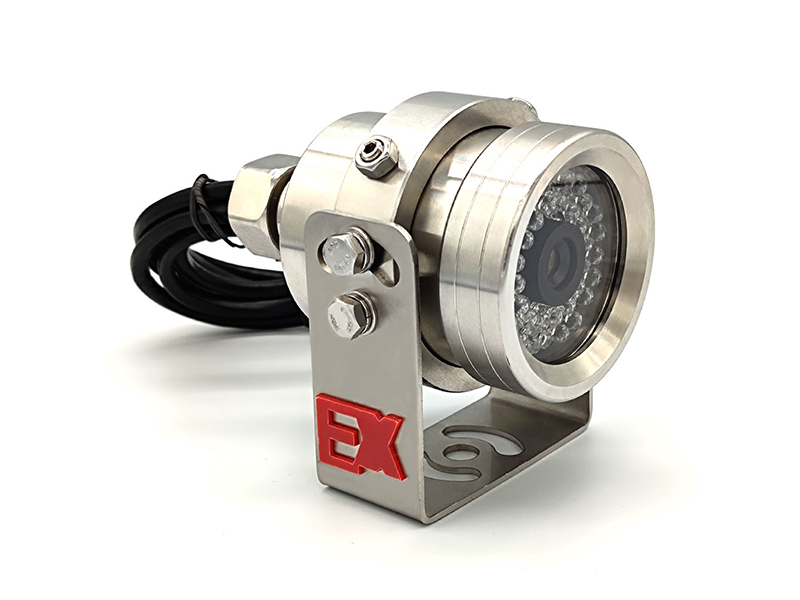
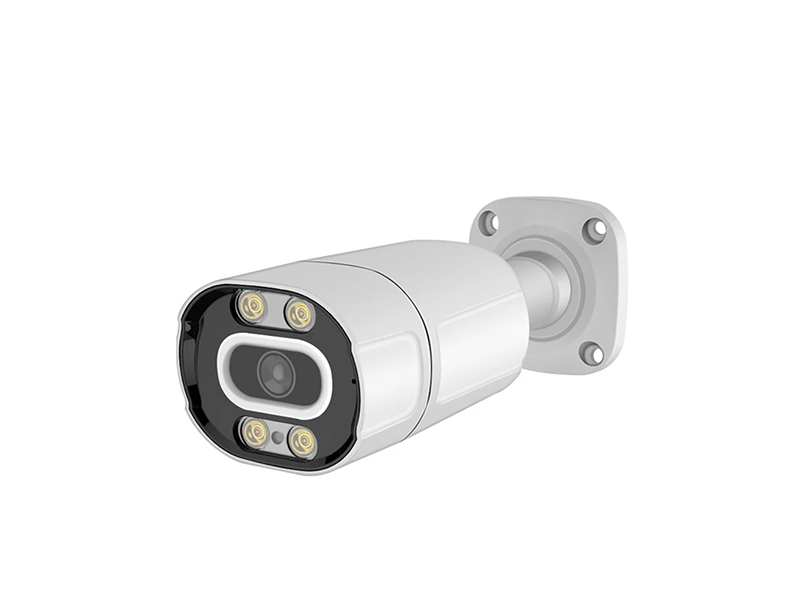
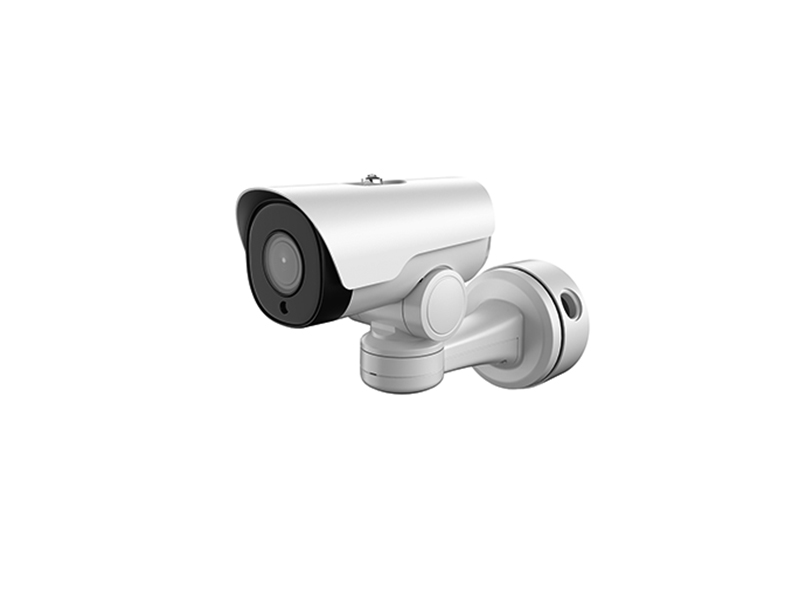
- Perimeter and main gates: starlight network bullet camera; motorized varifocal bullets cover 15 to 30 m where depth is large
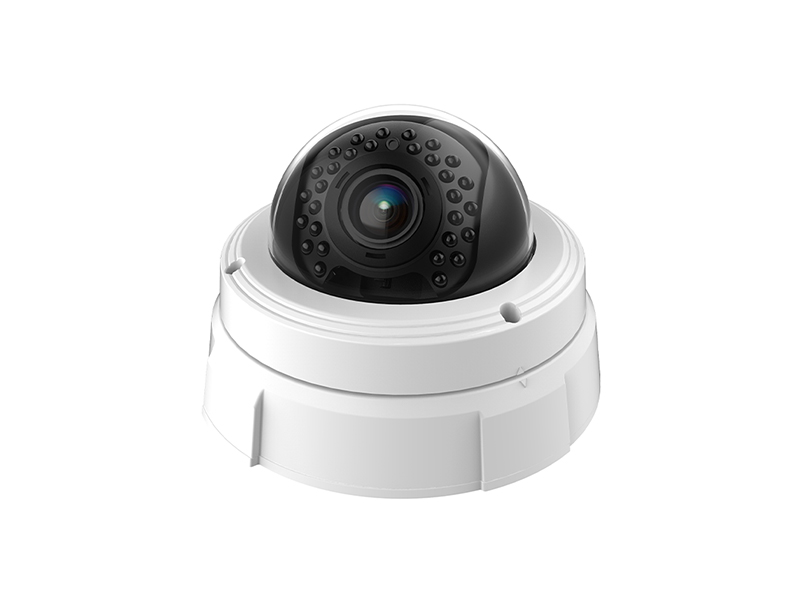
- Lobbies, elevator halls and corridors: dome network camera, with a vandal-resistant model where impact is likely
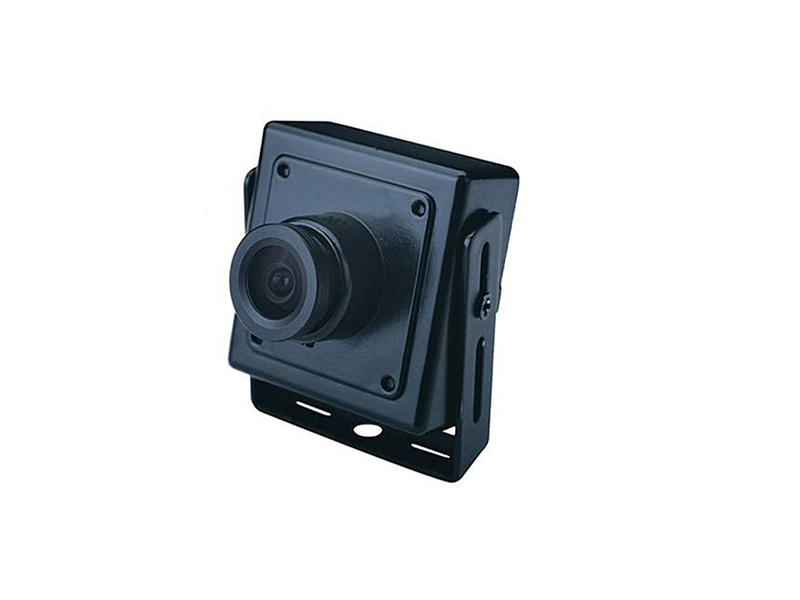
- Weak-current shafts, utility risers and mezzanines: analog miniature camera returning over the existing coaxial cable to the recorder
- Server and electrical rooms: miniature network camera powered by PoE, one network cable carrying both power and video
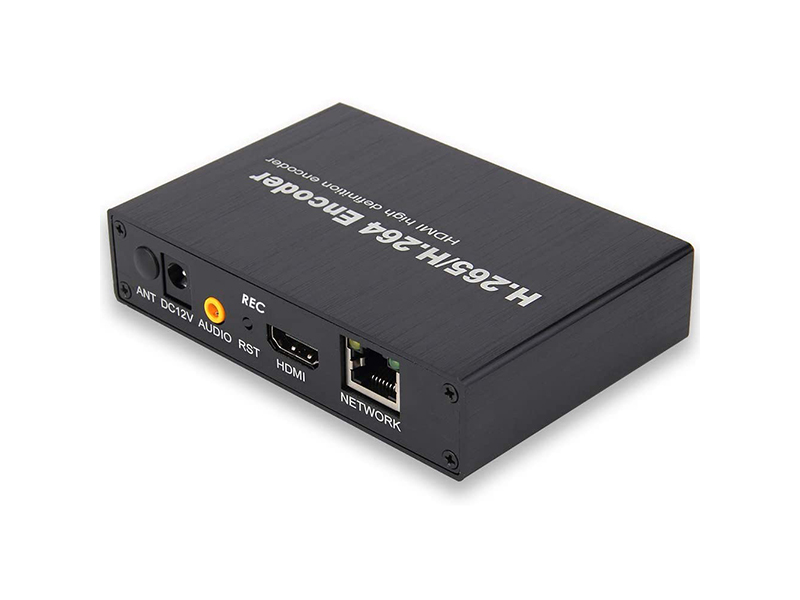
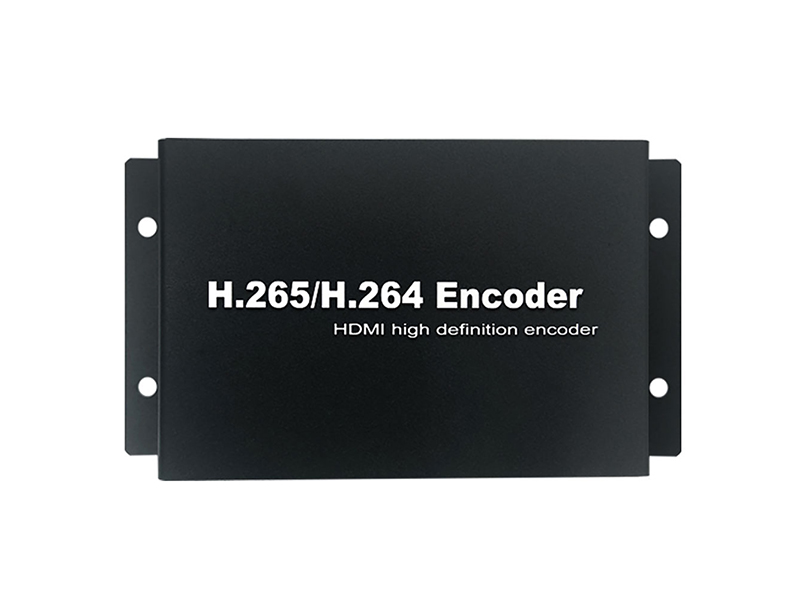
- Recorder side: size the NVR/DVR by channel count, and add video encoders when coaxial channels must join the network management platform
- Commissioning tools: one CCTV tester per installation crew to confirm image and format on every channel before handover
Retrofit and Wiring of Old Coaxial Cable
Coaxial retrofit work keeps the front-end signal on the existing copper and completes format alignment in the server room, avoiding repeated pull-through and damage to finished surfaces. Keep a single coaxial link within 300 m; longer segments switch to network cable or fiber with a converter.
| Step | Practice | Equipment used |
|---|---|---|
| Line verification | Check every run image by image with the tester and confirm connector oxidation, shield grounding and open pairs, then list bad lines before deciding on replacement | CCTV tester |
| Front-end replacement | Keep the original connector type and cable exit hole, switch to a coaxial HD model, and match focal length to the original angle of view so monitoring coverage does not change | Analog camera, miniature camera |
| Cable reuse | Run the original copper straight between front end and recorder with no adapter spliced in the middle, and seal every joint against moisture and oxidation | Video converter |
| Recorder-side conversion | Coaxial channels that must join the network platform pass through a video encoder into an IP stream, then are managed and replayed by the network recorder | Video encoder, NVR |
| Power collection | Consolidate 12 V front-end supplies into the weak-current room distribution box, size conductor by measured end-of-line voltage drop, and never chain several points on thin extension cable | Video and audio accessories |
Bandwidth and Recorder Planning
Budget the network side by adding per-channel bitrates. Estimate 1080P channels at 2 to 4 Mbps and 8MP or 4K channels at 6 to 8 Mbps. Smart encoding usually uses less, but still size trunk bandwidth at full bitrate so night-time full-speed recording and multi-channel playback do not drop frames. Calculate storage from channel count, bitrate and retention days first, then work backwards to recorder bays and drive quantity.
| Item | Value range | Note |
|---|---|---|
| Per-channel bitrate | 1080P at 2 to 4 Mbps, 8MP at 6 to 8 Mbps | Take the value from scene complexity and the frame-rate ceiling |
| Aggregation bandwidth | Access-side uplink equals channel count times full bitrate, multiplied by 1.2 | Leaves headroom for burst traffic and simultaneous playback |
| Retention days | Public areas commonly keep 30 to 90 days, confirmed in writing with property management | Estimate thermal imaging channels and visible-light channels separately |
| Playback concurrency | Keep simultaneous replay below half the rated decoding capability of the recorder | Multi-channel synchronized playback is the most likely to trigger frame loss |
| Clock alignment | All channels sync time from the recorder; check time zone separately for cross-brand access | Recording time and alarm records must match |
Commissioning, Acceptance and Handover
Commissioning starts at the single point: confirm format, focal length and brightness with the tester at the lens, then confirm channel title, OSD overlay and recording plan at the recorder, and finally run one continuous all-channel recording. Retrofit projects keep a before-and-after point comparison table marking which channels reuse the original copper, which makes later fault location much faster.
- Confirm format consistency channel by channel; mixing coaxial HD with standard-definition analog signal leaves channels without an image
- Test at night with street lighting disconnected to confirm the illuminator and low-light mode switch correctly
- Run all channels continuously for 72 hours without faults before signing the handover sheet
- Archive administrator accounts, the channel list and firmware versions with the as-built documents
Delivery and After-Sales
Shenzhen VIDCOM Technology Co., Ltd. has designed, manufactured and sold cameras since 2012. Our own production line powers up and fully inspects every finished unit, and records serial number and video format before shipment. Custom work covers housing, silk-screen marking, lens focal length, IR board, cable length and preset firmware parameters, with OEM and ODM supported. Send the models in use on site, the cable type and video format, and the target recorder brand to info@vctcctv.com, or call +86-755-28146081; we can ship a sample unit with a compatibility list first, then schedule volume production once it is confirmed.