
Two Scenarios Treated Separately
Vehicle and station conditions differ so much that one design for both limits each. On a vehicle the difficulty is wiring and power: the body shields signal strongly, cable must pass door gaps and hinges, voltage swings noticeably between ignition on and off, and the picture still needs recording without mains supply present. Removing and fitting equipment takes operating time each time, so installation labor often costs more than the hardware itself.
At a station the difficulty is distance and light: platforms, loading docks and car parks run deep, and a fixed focal length cannot resolve near actions and far detail at once; night lighting mixes high-mast lamps and vehicle headlights into strong contrast; platform edges need judgment of approaching and lingering people, so place positions at the ends plus the middle section.
Export projects add format and display differences. Regions differ in their habit of PAL or NTSC, and paired monitors and recording terminals may be local off-the-shelf units, so presetting the correct format at the factory prevents abnormal pictures after arrival.
Camera Positions and Equipment
List points by scenario group first, then fix each group's output form and power source.
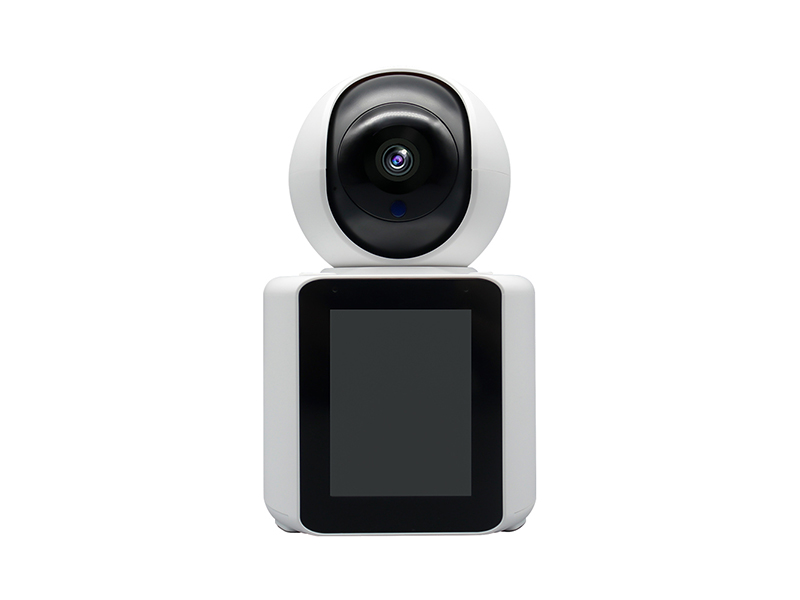
- Car body and passenger area: wireless cameras to compress cabling, with position count set by carriage divisions and seat zones
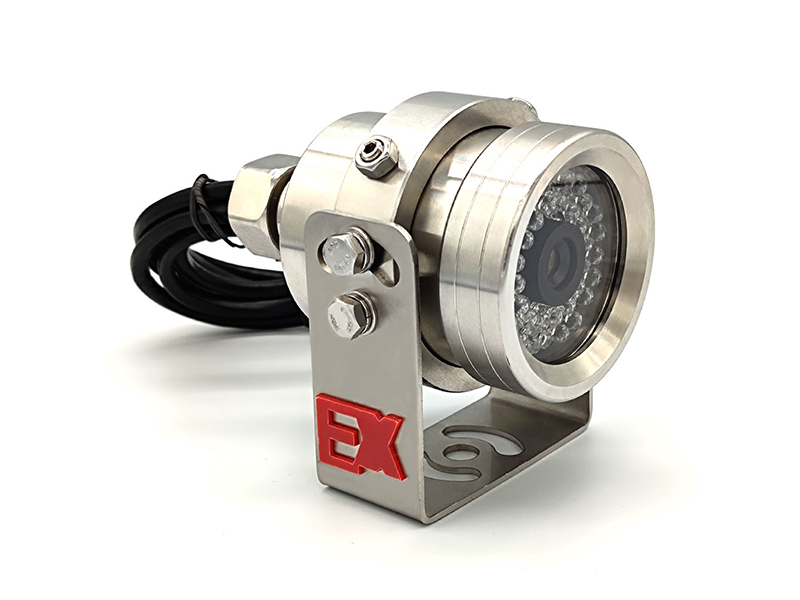
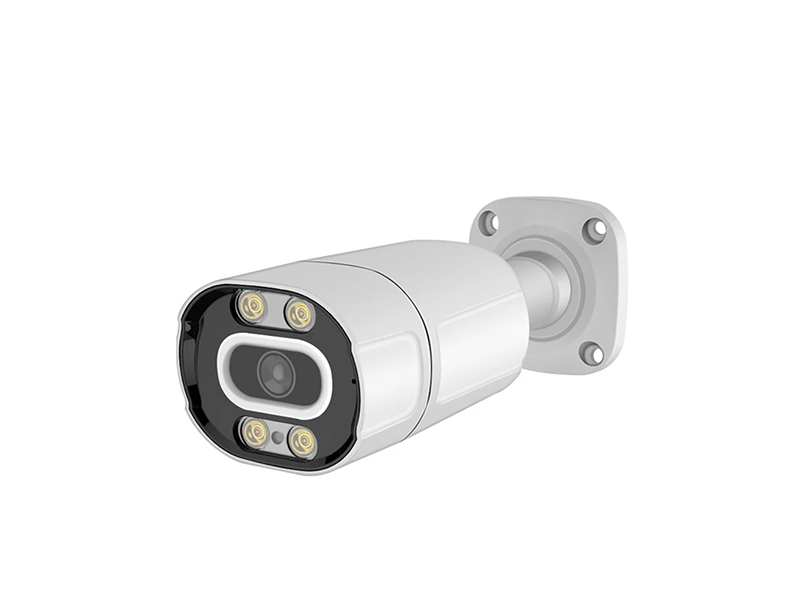
- Front exterior and loading area: starlight network bullet camera, cabled back to the main run through a waterproof roof junction box
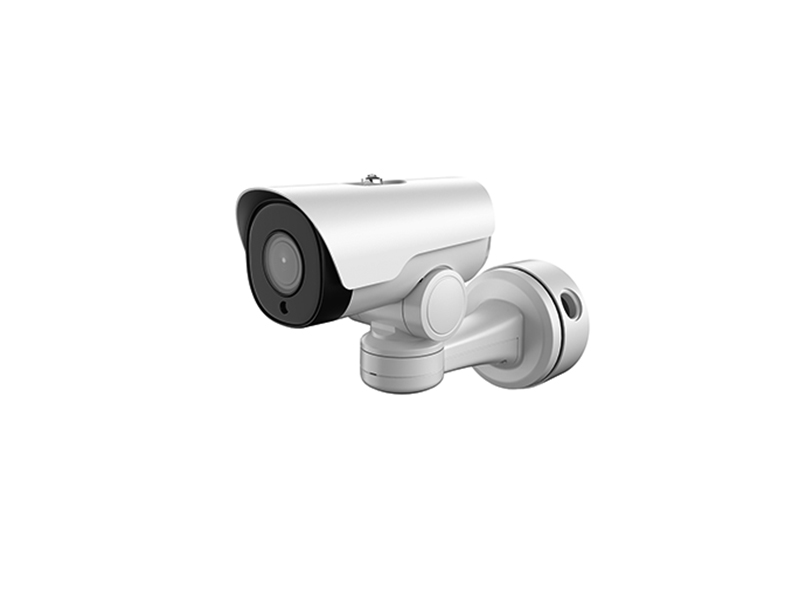
- Platform ends and docks: motorized varifocal network bullet camera, telephoto covering depth and wide angle covering the near end
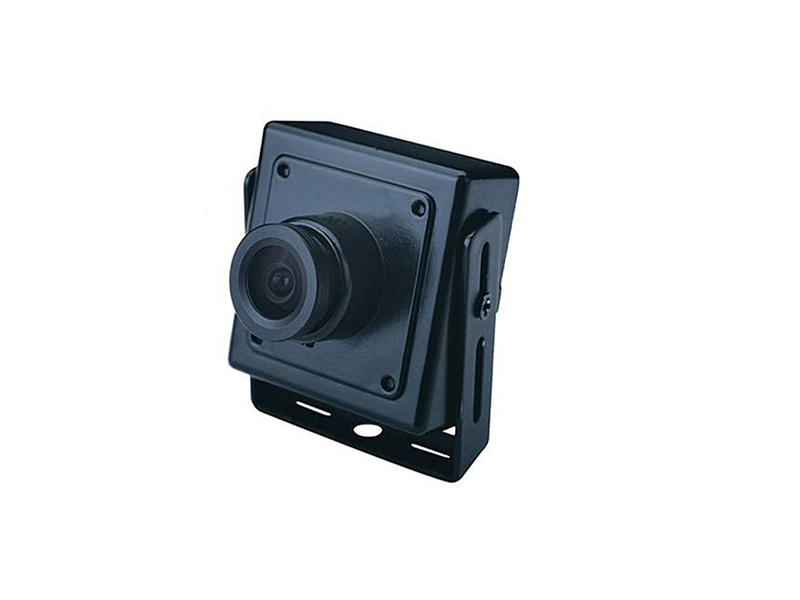
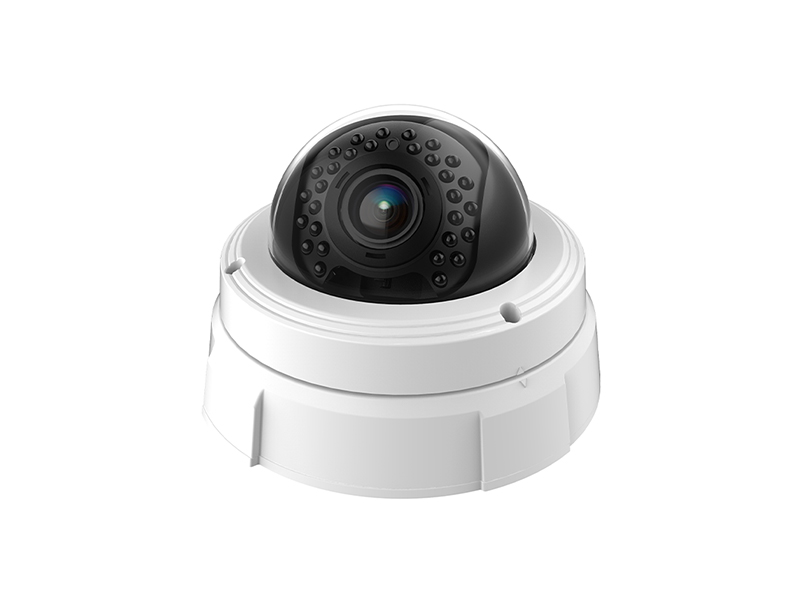
- Station building and ticket windows: dome network camera or analog HD position, reusing existing copper
- Temporary points and exhibition halls: wireless HDMI extender and wireless video encoder to return signal without pulling cable
- Field maintenance tool: a CCTV tester checks format, lost images and connector faults on every channel
Wiring, Power and Format Switching
Vehicle wiring is designed around vibration and temperature rise, while station wiring is designed around run length and centralized power.
| Step | Practice | Equipment used |
|---|---|---|
| In-vehicle routing | Follow existing harness ducts, leave flexible conduit and slack at hinges and bulkheads, and lock connectors against loosening | Wireless camera, video and audio accessories |
| In-vehicle power | Take supply from a regulated output rather than tapping the starting circuit directly, and keep essential channels on permanent supply after ignition off | Video and audio accessories |
| Wireless link | Minimize metal partitions between camera and receiver, and measure signal and frame loss per position after installation | Wireless camera, wireless video encoder |
| Station display | Where an old monitor only offers analog or VGA input, match coaxial HD or HDMI to it with a video converter | Video converter |
| Format confirmation | Lock PAL or NTSC by destination, and ship only once front end and recording terminal agree | CCTV tester |
Recording, Bandwidth and Playback
The station side is budgeted like ordinary network surveillance, at 2 to 4 Mbps for a 1080P channel; telephoto channels carry more detail than fixed focal length ones, so take the higher bitrate ceiling. Most vehicles lack stable wide-bandwidth return, so recordings usually stay local and are downloaded in bulk when the vehicle returns, or one low-bitrate substream is uploaded during service hours only, enough to confirm vehicle state remotely.
- Size vehicle local storage by service hours plus backup days, and export per shift on return
- Keep all fixed station positions on wired return and use wireless only for temporary or hard-to-wire spots
- Align recording time with dispatch system time, since cross-device search depends on one time base
- Add tamper and frame-loss alarms on key channels to catch connector looseness caused by vibration early
Maintenance Integration and Onboard Tools
Vehicle equipment maintenance should sit inside the existing service cycle: add lens cleaning, connector retightening and verifiable playback to the service sheet, so surveillance never needs separate downtime. Retighten brackets and connectors on vibrating parts quarterly, and re-measure signal and frame loss for wireless positions on each service day, recording results into the per-vehicle file so the same position can be compared across seasons. Station faults mostly sit in cable and connectors, so a CCTV tester carried on site decides within about ten minutes whether the problem is at the front end, the line or the recorder side, avoiding a second visit and repeated dismantling.
- Use a tester with both coaxial HD and network interfaces so crews do not carry two units by cable type
- Add lenses and protective covers to the cleaning list, since oil and dust cut picture detail directly
- Update the point list and device numbers when a vehicle is replaced or reassigned, keeping records matched to reality
- For long station runs, measure end voltage before deciding between changing cable and changing the camera
- Preset spare positions to the format used at the destination so replacement needs no menu changes on site
- Archive returned material by shift and vehicle number, and rely on naming rules for cross-shift search
Delivery and After-Sales
Acceptance runs against two lists, one for vehicles and one for stations: on vehicles confirm mounting position, image direction and recording behavior with ignition off; at stations confirm focal coverage and format display per channel. Products ship to Europe, the Americas, the Middle East, South-East Asia, Australia and Africa, with format and marking preset by destination. Tell us the vehicle power type, the desired camera count, the format used at the destination and the target recording terminal brand and model on WhatsApp +86-15989322654 or info@vctcctv.com, and we can send samples with a format compatibility list first.