
Troubleshooting by observed symptom: one channel with no picture, rolling borders, night-time washout, close-range white-out, a missing DVR channel and a USB image that stalls.
Step-by-Step Isolation of a Channel with No Picture
Use substitution and work backwards from the recorder to the field, changing one variable per step. First move this channel's cable to a recorder input already known good to judge the host channel. Then bring the camera to the recorder and connect it with a short jumper to judge the line. Finally connect a CCTV tester to the camera in the field to judge the front end. The 7-inch IPS touchscreen 6-in-1 4K CCTV tester covers 8MP TVI, 8MP CVI, 8MP AHD, SDI and EX-SDI, CVBS and H.265 network camera tests, so one unit handles all three judgements.
Run the sequence in order and keep one record per step.
- Swap the input port: if the original port is dead, log a recorder fault; if it works, go to the next step.
- Short jumper direct connection: picture means the fault sits in the field wiring, so test the cable before considering a camera swap.
- Tester at the front end: with no picture, then check supply voltage and the camera itself.
- Measure supply: below 10.8 V at the far end, image faults are mostly power faults.
- Check TV system and band: a band the host does not support also shows as no picture.
- Cameras with coaxial control: on UTC-capable models use the tester to open the menu and confirm the output band.
What Makes the Picture Roll or Jitter Up and Down
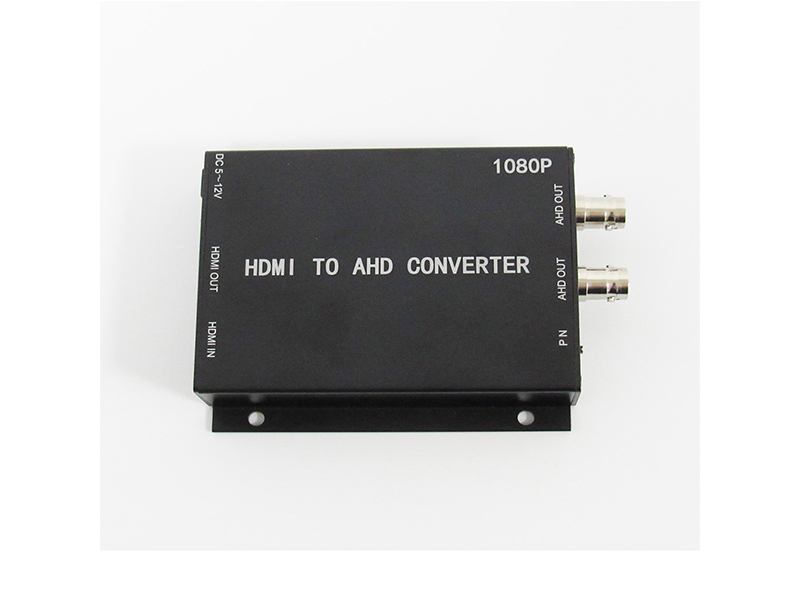
Three causes, ranked by likelihood: TV system and field frequency mismatch, insufficient supply or excessive voltage drop, and ground-loop interference. Mixing PAL and NTSC makes the picture roll or jump, so the front-end menu's TV System must equal the recorder setting, and the converter must be set with P for PAL 1080P@25 and N for NTSC 1080P@30. Undervoltage appears mostly on long centralised runs: a 0.5 square millimetre conductor over a 100 m loop feeding a 5 W camera leaves only about 9.1 V at the far end, below the DC12V±10% lower limit.
Ground-loop jitter reads as regular horizontal bars moving across the frame. Fix it by grounding the coaxial shield at a single point, keeping the camera and the recorder from earthing to different potentials, and switching to network cable plus an encoder where needed. On site, the full-function tester's analog video level meter and cable tracer confirm signal level and routing first.
Handling Night Washout and Close-Range White-Out
Sort washout into three causes. The first is day-night switching not completing. Network cameras label ICR auto switching and support warm-light and full-colour modes, so a filter stuck in the colour position greys the whole night picture. On micro coaxial cameras the day-night row mostly reads external ICR, and without a filter the night quality depends on the external light source. The second is gain and noise-reduction settings: automatic gain pushed to maximum amplifies noise and washes the picture out, so lower the gain ceiling one step and observe. The third is the housing and faceplate: condensation on the inner side of the cover, dust or aged sealant scatters IR inside the housing and leaves white haze in the picture, which cleaning and a seal-ring check resolve. For outdoor units confirm the protection class at the IP66 or IP67 band; micro board models are mostly IP64 and need extra protection inside damp cabinets.
A close target rendered pure white is IR overexposure. The 3MP starlight bullet's 42 IR LEDs cover 35 to 40 m at night, the 8MP starlight fixed-focus bullet's 36 LEDs cover 20 to 30 m, and the 8MP motorised zoom model's 4 array LEDs cover 50 to 70 m, so a target parked at 1 to 3 m for long sits in the strongest part of the beam. Adjust in this order: change tilt so the main illumination lands behind the target, move the long-dwell point out of the frame centre, and where necessary lower gain and shorten exposure.
When the point is dominated by close, permanent targets, changing the model is more thorough. Micro cameras list their IR row as Null or Color and carry no illuminator, so pair them with a weak external light. The super starlight black-light full-colour 2MP AHD micro camera holds colour at 0.00001Lux with a 2.8 mm F2.2 lens and keeps a colour picture on residual light, which removes the close-range IR overexposure problem entirely.
When the Recorder Cannot Find a Channel
On the network side check addresses first. Encoders share one factory default address: the HDMI encoder defaults to 192.168.1.120 and the coaxial-to-IP encoder to 192.168.1.219, so a subnet where the addresses were not changed channel by channel shows as a device that adds successfully and then drops offline. Then verify the port negotiation rate. Encoders and most network cameras label 10M/100M auto-negotiation, and a link that only reaches 100 Mbps calls for an RJ45 and pinout inspection first.
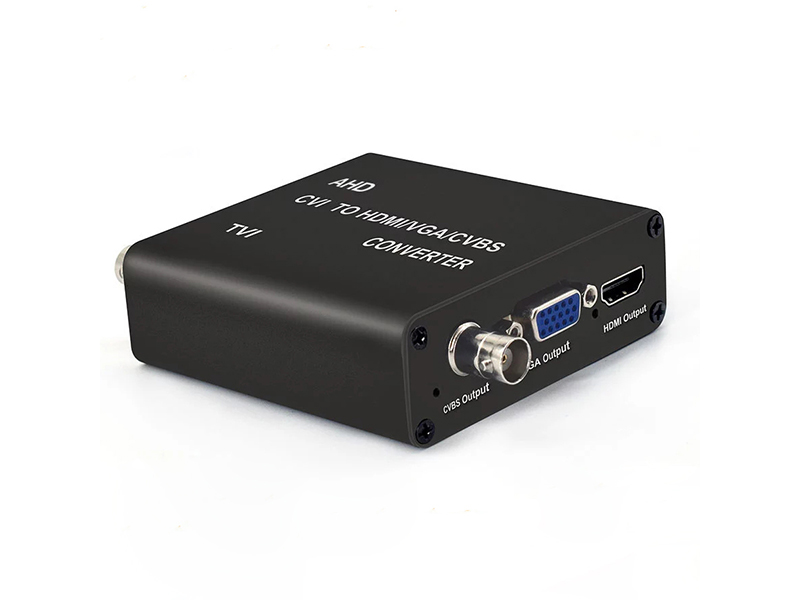
On the coaxial side look at band and spare channels. A converter and host on different bands leave the channel empty, and a DVR with all channels occupied never shows the newly added one. Work through the order: change the address, test the link, re-add over ONVIF, check whether the host supports the codec, and finally confirm time synchronisation, since a clock offset hides the recording clip rather than the channel.
Why a USB Camera Enumerates but Shows No Picture
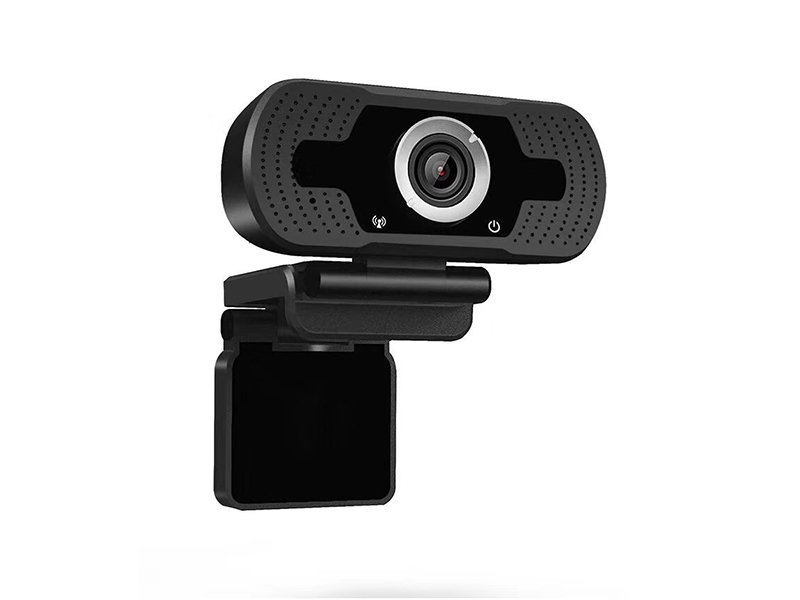
Check bandwidth and format first. At 1920×1080@30fps the YUY2 data volume is about 124 MB per second, close to 1000 Mbps and far above USB 2.0's usable bandwidth, so hosts often enumerate the device but show nothing, or drop severe frames, at high-resolution YUY2. Switch the software format to MJPEG or H.264, or lower the resolution to 1280×720 or 640×480; both bands are inside the product's MJPG support list.
Then check ports and topology. The 4K and 1080P HDMI to USB 3.0 capture cards must sit on a USB 3.0 port to reach 4K@30fps or 1080P@60fps recording. Do not hang multiple cameras on one hub. On the software side pick the correct input source in OBS Studio, VLC, vMix or Potplayer and confirm the resolution and frame-rate settings match the device.
When a Thermal Camera's Temperature Reading Swings
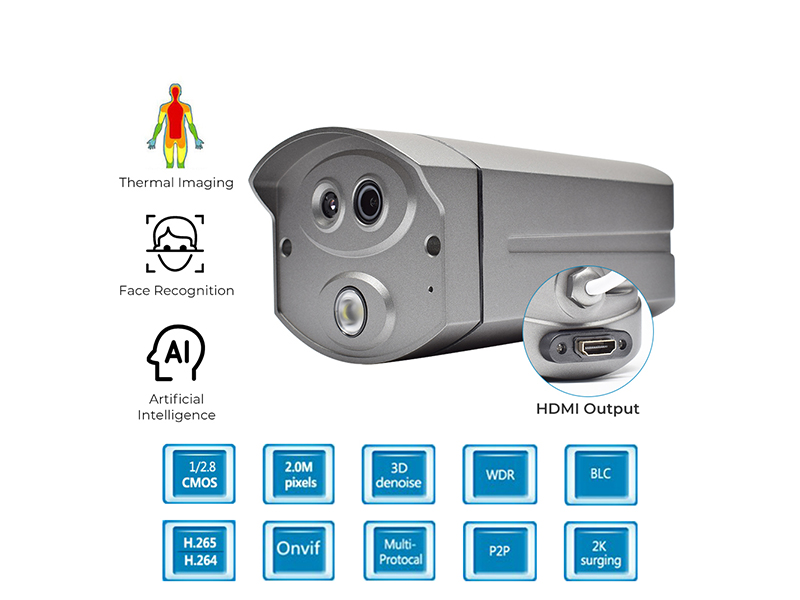
Measurement accuracy is stated per band: ±0.3 °C while the target temperature is between 35 and 38 °C, and ±0.6 °C between 20 and 33 °C or 38 and 50 °C, so judge a reading with the accuracy of the band it falls in. Access-control models judge within 0.3 to 0.8 m, and readings beyond that distance are not an alarm basis, so corridor width and mounting height follow it; the supported height range is 1.2 to 2.2 m.
External conditions outweigh the device itself. Direct sunlight, an air outlet blowing on the target, sweat and just-finished exercise all lift the surface reading. A heat source in the background trips region temperature-difference alarms easily, and restricting the measurement box to the walking path cuts false alarms materially. Where long-term online calibration is required, choose the thermal measurement model with a built-in blackbody, which uses the integrated blackbody as its temperature reference and keeps up to 100000 temperature records in its built-in 16GB storage.