
For conferencing, remote teaching and recording builds: how USB camera formats relate to bus bandwidth, how to choose lens angle and audio capture, and which capture card fits.
The Boundary Drawn by Driver-Free Protocols
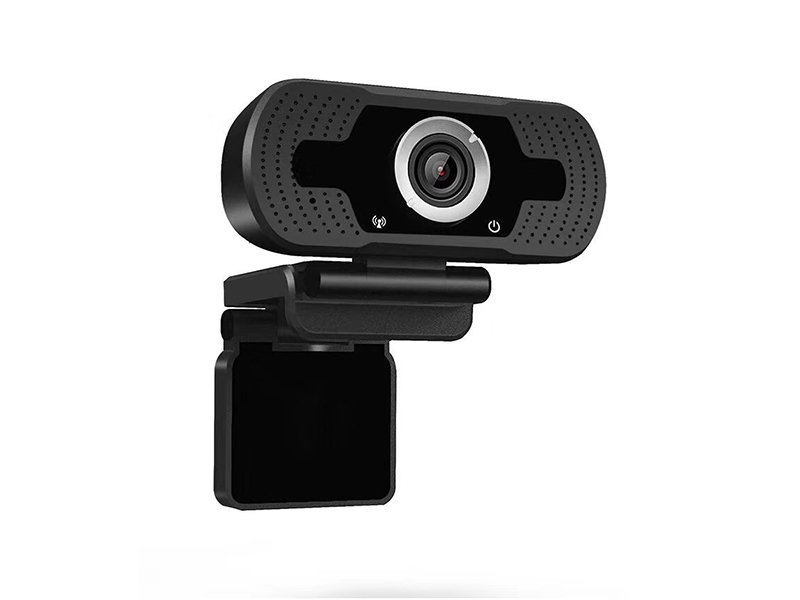
The value of a USB camera in a product build comes from needing no driver. The device outputs video over standard UVC and audio over UAC, so the host side installs no vendor driver. The 1080P USB UVC camera sold here uses a USB 2.0 interface, lists UVC and UAC among its protocols, and covers Windows, Android and Linux. The integrator only has to handle device selection at the application layer.
Bus bandwidth sets the boundary. USB 2.0 is rated at 480 Mbps, but once protocol overhead is removed the sustained payload on one bus is far lower, and several devices sharing one controller split it again. Size the data volume before choosing resolution and format, so debug time is not spent on occasional frame drops and disappearing devices.
Compression Formats Against Bandwidth
One sensor can output three compression methods: YUY2, MJPEG and H.264. The table estimates the order of magnitude at 1920×1080 progressive 30fps and compares it with the output resolutions listed in the product parameters, to support choosing a default band. The MJPG stream lists six bands: 1920×1080, 1280×960, 1280×720, 800×600, 640×480 and 640×360, and you can step down according to the bus budget. A safe integration practice is to set the default band at 1920×1080 MJPEG and fall back to 1280×720 on devices with a tight bus.
| Compression format | Characteristics | Data volume at 1920×1080@30fps | Where it applies |
|---|---|---|---|
| YUY2 | Uncompressed; the most stable colour and latency and the most consistent image quality | About 124 MB per second, close to 1000 Mbps, beyond the usable bandwidth of USB 2.0 | Small resolutions or small-window capture only, for example 640×480 |
| MJPEG | Each frame compressed on its own, bandwidth varies with scene complexity | Tens of Mbps, which USB 2.0 can carry | Primary band for conferencing, remote teaching, livestreaming and lecture recording |
| H.264 | Inter-frame compression, the lowest occupancy at equal quality | Clearly below MJPEG, steadier over long runs | USB extension or multi-channel streaming when the bus is tight |
Lens Angle and Imaging Parameters
The imaging section is a 1/3-inch progressive-scan CMOS with an FH8852 main controller plus F23. Effective pixels are 1920×1080@25fps and 30fps, the electronic shutter adjusts automatically, and the signal-to-noise ratio is at least 50 dB. It provides 3DNR digital noise reduction, wide dynamic range from 0 to 72dB, auto white balance, auto backlight compensation and auto gain. Day-night switching runs on the IR-cut filter. Minimum illumination is 0.05Lux in colour and 0.01Lux in black and white.
The lens is an M12-mount fixed-aperture fixed-focus unit, 3.6 mm or 4 mm, with a maximum aperture of F1.4 and a rated angle of 103° diagonal, 86.5° horizontal and 46° vertical. Across a conference table at two to three metres, 86.5° horizontal covers the whole tabletop. For lecture recording that must hold the blackboard and the lectern at once, convert the required coverage width into the horizontal angle instead of picking a narrow angle that frames only part of the room. The unit runs on USB 5 V ±0.5 V with a working current of 160 mA ±6 mA, which leaves ample margin on one port, but when several channels hang on one hub you must budget bus bandwidth and supply current together.
Audio and Microphone Hookup
On this model the audio side is a MIC input. Audio compression supports G.711a, G.711u and G.726, and audio and video travel together over the USB 2.0 UVC and UAC protocols, so the host sees one composite device. If the build needs its own capsule, specify the microphone cable length, position and distance from the lens; these can be preset at the customisation stage.
When a longer pickup distance or an external receiver is required, a capture card with a 3.5 mm line input is the better fit. The 1080P HDMI to USB 3.0 capture card VDC-HDMI2USB-302 accepts HDMI and microphone on its input side and provides USB 3.0, HDMI loop-out and a 3.5 mm line input on its output side. Recording resolution is 1080P@60fps and the loop-out is also 1080P@60fps, so the local monitor keeps displaying while you record. It takes power straight from USB and stays under 2 W.
Pairing Rules with Capture Cards
The signal being captured decides which capture card to use. The table sets three common sources against the matching hardware so the choice is settled in one pass for the build.
| Signal source | Capture hardware | Key parameters | Interface rule |
|---|---|---|---|
| Camera or PC over HDMI | 1080P HDMI to USB 3.0 capture card | Recording 1080P@60fps, loop-out 1080P@60fps, IP54 | Must use a USB 3.0 port to reach the full frame rate |
| Ultra-high-definition source | 4K HDMI to USB 3.0 capture card | Recording 4K@30fps and 1080P@60fps, loop-out 4K@60fps | The 4K band runs on a USB 3.0 bus only |
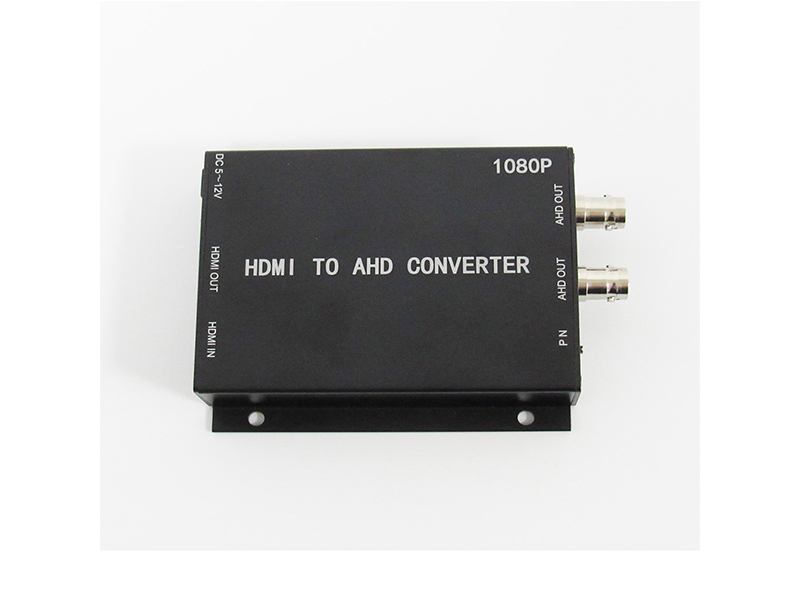
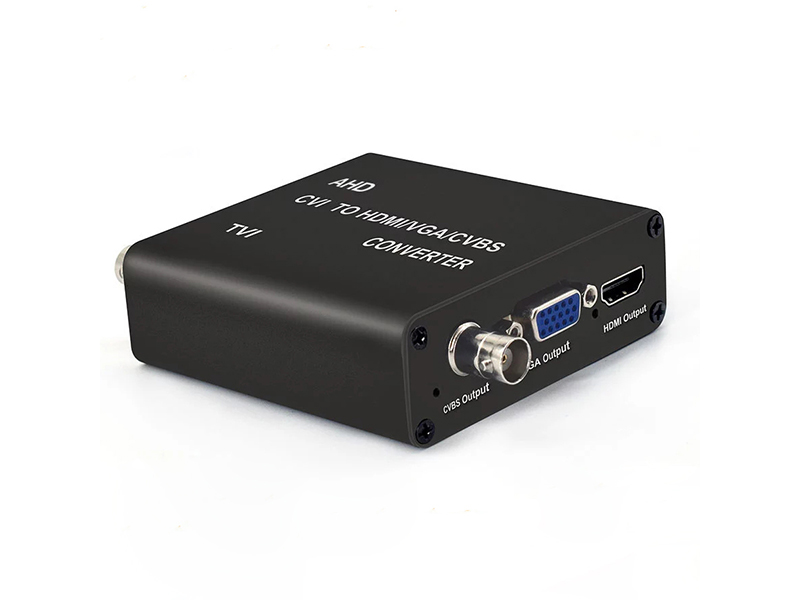
| Coaxial HD surveillance video | AHD/TVI/CVI/CVBS to USB3.0 capture card | BNC input, up to 1920×1080, frame rate 5 to 60fps, driver-free | Working temperature -20 to 65 °C, suited to industrial builds |
| Software-side calls | All three are standard UVC devices | Compatible with Windows 7 and later, Linux and macOS | Selectable as a video input source in OBS Studio, VLC, vMix, Wirecast and Potplayer |
Integration Checklist for the Build
Confirm the items below one by one at the prototype stage; they quantify whether the chosen compression band and interface leave enough margin. Afterwards send the host platform's USB port types, the expected resolution and frame rate, the pickup distance requirement, the lens angle and the mounting cut-out size to info@vctcctv.com, or call +86-755-28146081. We then judge whether a current model serves or a custom focal length and cable length are needed.
- Map the host's USB controller allocation: do not hang multiple cameras under the same 2.0 hub.
- Fix the default format and resolution: start at 1920×1080 MJPEG and fall back to 1280×720 on error.
- Check frame rate against field frequency: test both the 25fps and 30fps bands so nothing conflicts with the software's frame-rate setting.
- Measure actual occupancy once: after long run time, confirm no frame drops and no loss of device enumeration.
- Confirm outline and mounting: product size 70×3×74 mm, weight 0.13 kg, working temperature -20 to 60 °C.
- Certification and shipping market: state the target market early for export batches, since the TV system and firmware parameters can be preset on the line.