Sensor, lens options and system compatibility of the 1080P driver-free USB camera module, and how it pairs with HDMI and coaxial capture cards in two deployment settings.
Module Interfaces and System Compatibility
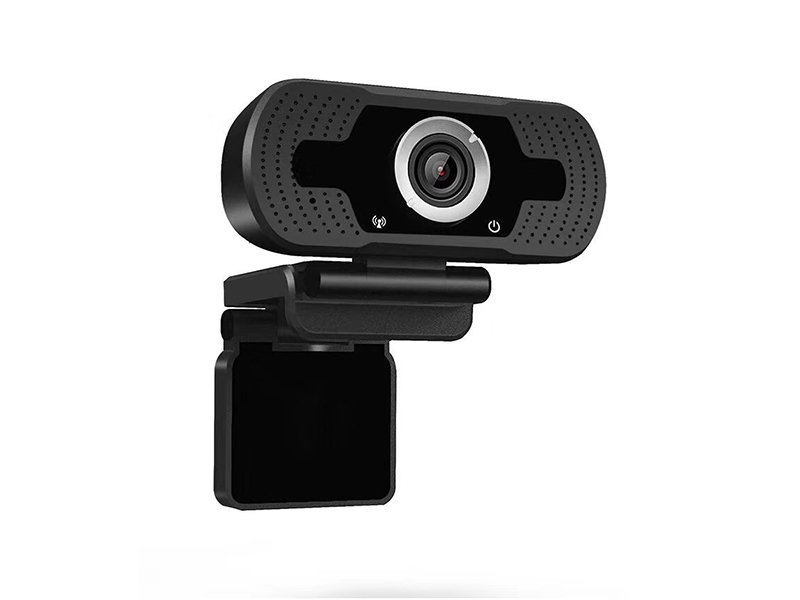
This 1080P USB camera uses a 1/3 inch progressive-scan CMOS with an FH8852 plus F23 solution, 1920x1080 effective pixels, output at 25fps or 30fps. Compression supports YUY2, MJPEG and H.264, and under YUY2 and H.264 it can output tiers such as 1920x1080, 1280x960, 1280x720, 800x600, 640x480 and 640x360. The interface is USB 2.0 over the UVC and UAC protocols, supported on Windows, Android and Linux, recognized by upper-layer software without a driver; this usage is most common in conferencing terminals, all-in-one machines and teaching equipment, where it is recognized on connection with no driver CD in the package.
The audio side takes microphone input, with audio compression supporting G.711a, G.711u and G.726. Power comes from the USB bus at 5V plus or minus 0.5V with a working current of 160mA plus or minus 6mA, so cable length must be planned around bus voltage drop, and long-run plans should be raised at the selection stage. The module is compact, weighs 0.13 kg, works from -20°C to 60°C, and can be embedded directly into a device panel or the upper shell of a monitor.
When choosing the module, first decide which protocols and formats the host software accepts. A UVC module is recognized directly by conferencing software, browsers and in-house clients; YUY2 and MJPEG behave differently in latency and image quality at the same tier, so the choice follows the actual software result. Where the raw H.264 stream feeds further processing, confirm the host exposes a matching interface before fixing the firmware's output format and resolution combination. This step is best run against the customer's own software during the sample stage, which is more reliable than reading a datasheet alone.
Lens and Image Settings
The lens is an M12 fixed-focus type with focal length options of 3.6mm and 4mm at an F1.4 aperture. On the 1/2.7 inch format the 4mm lens gives a field of view of 103 degrees diagonal, 86.5 degrees horizontal and 46 degrees vertical, suitable for table conferencing and lectern framing. For image settings, white balance and backlight compensation are automatic, gain is automatic or manual, noise reduction uses 3DNR, wide dynamic range is 0 to 72dB, and day-night switching uses an IR-cut filter.
Focal length and field of view are customizable items: the same board camera can carry a different lens for the framing a customer requires, and cable length and connector type change the same way. To embed the module into your own enclosure, provide the cutout dimensions and viewing distance first; on those two inputs we propose focal length and cable length, then build samples for verification.
Two Capture-Side Options
To bring external pictures into a computer, the HDMI side offers 1080P and 4K video capture cards. The 1080P model VDC-HDMI2USB-302 records 1080P@60fps, takes HDMI and microphone inputs, and outputs USB 3.0, an HDMI loop-through and a 3.5 mm line input. The 4K model VDC-HDMI2USB-308 captures 4K@30fps and 1080P@60fps with loop-through up to 4K@60fps, is powered over USB at below 2 W, is compatible with Windows 7 and later, Linux and macOS, and is used directly in software such as OBS. Neither card occupies an extra power position, and the loop-through path keeps feeding a display so local viewing and capture run without interfering with each other.
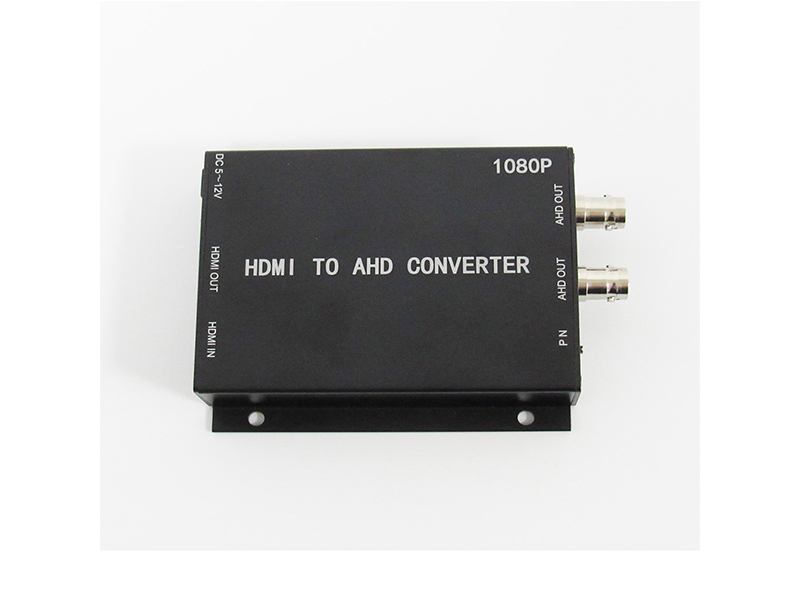
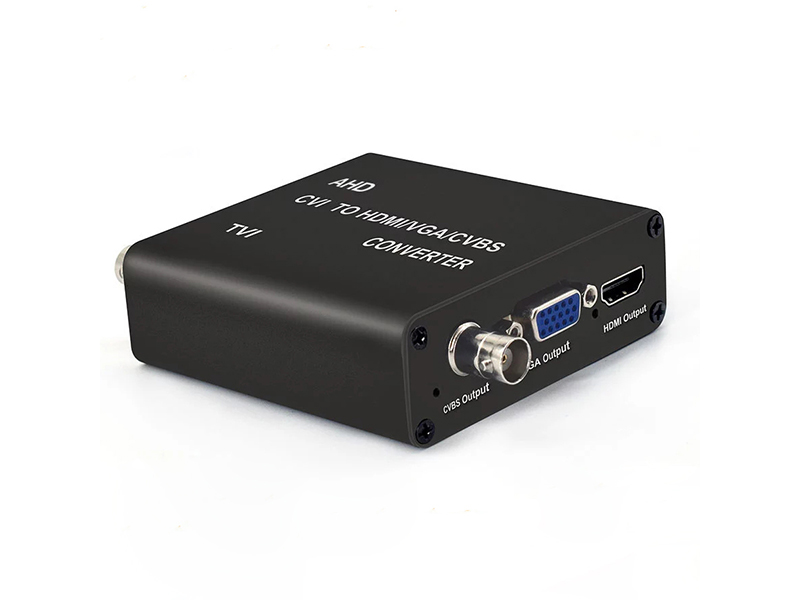
The coaxial-side capture card takes BNC input, supports AHD, TVI, CVI and CVBS signals, converts to USB 3.0 output with pictures up to 1920x1080 at 5 to 60 fps adjustable, works driver-free over standard UVC and UAC under Windows, Linux and Android, is compatible with OBS and Potplayer, draws below 3 W, works from -20°C to 65°C, and measures 97x51x21 mm at 100 g. This is the choice when pictures from an existing surveillance line must enter a computer for analysis, lecture recording or remote viewing, with no camera replacement at the front end.
Configuration by Use Case
At conference tables and lecterns, settle the framing range first, then lens focal length and mounting position. Where local and network pictures must both be recorded, use a capture card plus loop-through to split the signal into two paths. Where pictures from legacy monitoring lines enter a computer for analysis, choose the coaxial capture card directly and keep the cameras. Existing models cover all of these needs, and the differences lie mainly in interfaces and framing.
Samples of 3 to 5 units can run system integration first, and the small batch is scheduled after confirmation. To request the module dimension drawing, the UVC supported-resolution list, or the capture cards' compatible software list, email info@vctcctv.com, or call +86-755-28146081 with your device system and application software; the interface, focal length and cable-length combination proposal is returned together, and samples and batch production follow the same confirmation record.